

A dashboard is not a management system
An executive dashboard can be technically accurate, visually impressive and widely circulated without improving a single decision. The problem is rarely the chart alone. A chart tells leaders what happened; performance changes only when someone interprets the signal, chooses an action, assigns responsibility and checks the result. The useful question is not “How many dashboards do we have?” but “Which decisions are materially different because this dashboard exists?”
Consider a hypothetical subscription business whose dashboard shows churn rising from 3% to 4%. The number is visible, but no one knows whether it refers to customer count or recurring revenue, which cohort changed, who investigates, or what intervention is authorized. Adding a red indicator will not resolve those gaps. A useful dashboard would identify the affected cohort, show the trend against an agreed threshold, name the accountable owner and connect the finding to a review of retention actions. The percentages here are illustrative, not a reported client result.
1. Start with decisions, not available data
Before selecting visuals, list the recurring decisions the leadership team must make: whether to adjust acquisition spending, intervene in a declining customer segment, change staffing, investigate delivery delays or revisit a forecast. For each decision, write down its frequency, decision-maker, available actions and the evidence needed. If no action changes when a metric moves, that metric may belong in an analyst’s diagnostic report rather than the executive overview.
A practical design brief uses five questions: What decision does this metric inform? What change is material? Who owns the response? How quickly can we act? How will we know whether the response worked? This is a more demanding brief than asking each department for its favorite KPIs, but it prevents a crowded screen from becoming a substitute for management discipline.
2. Define the metric before debating the color
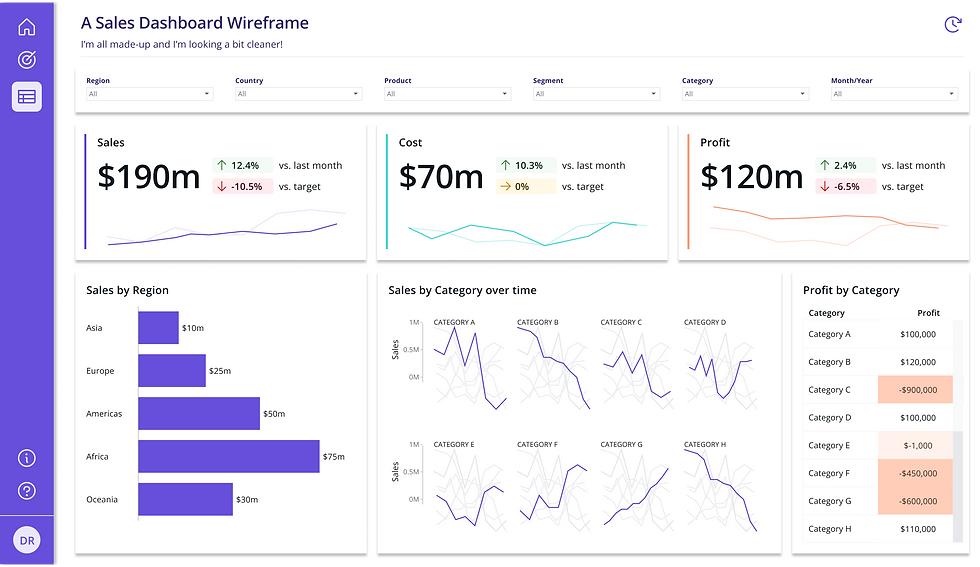
Revenue, active customers, conversion and margin sound universal until teams compare calculations. Finance may report recognized revenue while Sales reports booked contracts. Marketing may count leads at creation while Sales counts qualified opportunities after validation. Both figures can be legitimate, but an unlabeled dashboard makes disagreement inevitable.
Maintain a concise metric dictionary for each executive KPI: business definition, formula, source, filters and exclusions, time zone, refresh cadence, owner, and the date the definition changed. Show the period and comparison basis next to the number. When a KPI is revised, preserve a change log so a methodological change is not mistaken for a performance improvement. If the source data is fragmented, Actiknow’s business intelligence services describe the reporting and integration work involved in creating consistent views across systems.
3. Make the signal actionable
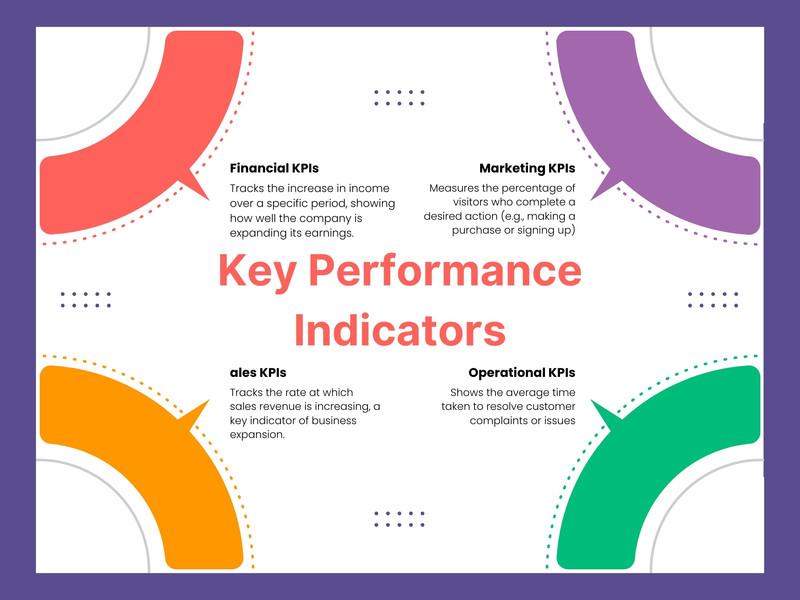
A good executive view distinguishes an ordinary fluctuation from a situation requiring intervention. Use thresholds derived from operating capacity, contractual commitments, budget or historical variability, not arbitrary red-yellow-green bands. Pair an exception with the likely drivers and a clear route to detail. A sales decline might need segmentation by region, product, acquisition channel and customer cohort; a service backlog might need aging, priority and staffing context.
Avoid making every metric real time. A weekly pricing decision does not automatically benefit from minute-by-minute refreshes. Choose latency according to the time in which the business can respond, then make the last refresh and data-quality state visible. A stale but unmarked dashboard is often more dangerous than a clearly labeled weekly report.
4. Give every exception an owner and a next step
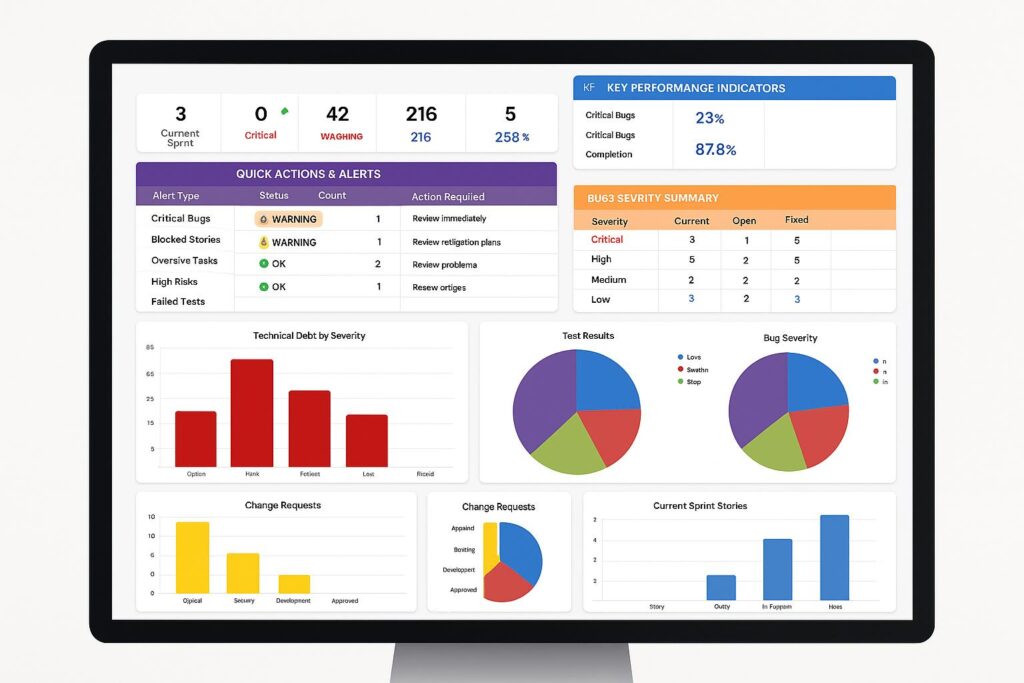
For each priority metric, document a named role responsible for interpretation, an escalation rule and an expected response time. The dashboard itself need not become a project-management system. It should, however, make the handoff unambiguous: which issue was identified, who accepted it, what decision was taken and when the team will review the outcome.
A short weekly executive meeting can follow a repeatable sequence: identify the largest material variances; separate data defects from business changes; decide which require action; assign an owner and due date; review last week’s actions. Record decisions outside the dashboard if that is how the organization works. The important point is that the reporting cadence and the decision cadence meet.
5. Design different views for different levels of responsibility
A CEO may need cash, growth, profitability, customer health and operational risk in a compact overview. A sales director needs pipeline movement, coverage and stage conversion. An operations manager needs queue aging and exceptions. Trying to put all three jobs on one screen creates clutter and false confidence. Use a small executive summary with clear drill-down paths, consistent definitions and appropriate permissions.
A dashboard should also distinguish leading indicators from outcomes. Revenue is an outcome; qualified pipeline or repeat purchase behavior may offer earlier signals, depending on the business model. Do not present a leading indicator as a guaranteed predictor. Test whether it actually helps your organization make better decisions over time.
6. Fix trust before adding more visuals
If the board pack, CRM and dashboard disagree, users will return to spreadsheets. Reconcile a small set of high-stakes metrics against authoritative source reports before launch. Test joins for duplicate records, account hierarchies, currency conversion, deleted records, fiscal calendars, access filters and late-arriving transactions. Publish known limitations and assign responsibility for correcting them. Actiknow’s data connector offering illustrates why source-system integration is a separate engineering concern from chart design.
Trust also requires access controls. An executive dashboard may combine compensation, customer or commercially sensitive data. Apply least-privilege access and test row-level restrictions with real user roles, not only an administrator account. Good governance is a feature of usable analytics, not a reason to delay it indefinitely.
7. Measure the dashboard’s impact, not its traffic
Page views and logins show use, not business value. Establish a baseline before redesign: time to prepare the management pack, time spent reconciling figures, time from exception to decision, percentage of priority actions completed and, where attribution is defensible, the operational outcome associated with those decisions. Review these measures after a defined period. A dashboard that saves preparation time but does not change decisions may still be worthwhile; report that benefit accurately rather than claiming revenue uplift without evidence.
For a practical pilot, choose one decision with a measurable operating consequence. Agree on the KPI definition and threshold, build the minimum view and drill-down, assign the owner, run it through several real review cycles and inspect whether decisions became faster or better documented. Only then expand. This approach tests the management process and the data pipeline together.
A 30-day dashboard reset
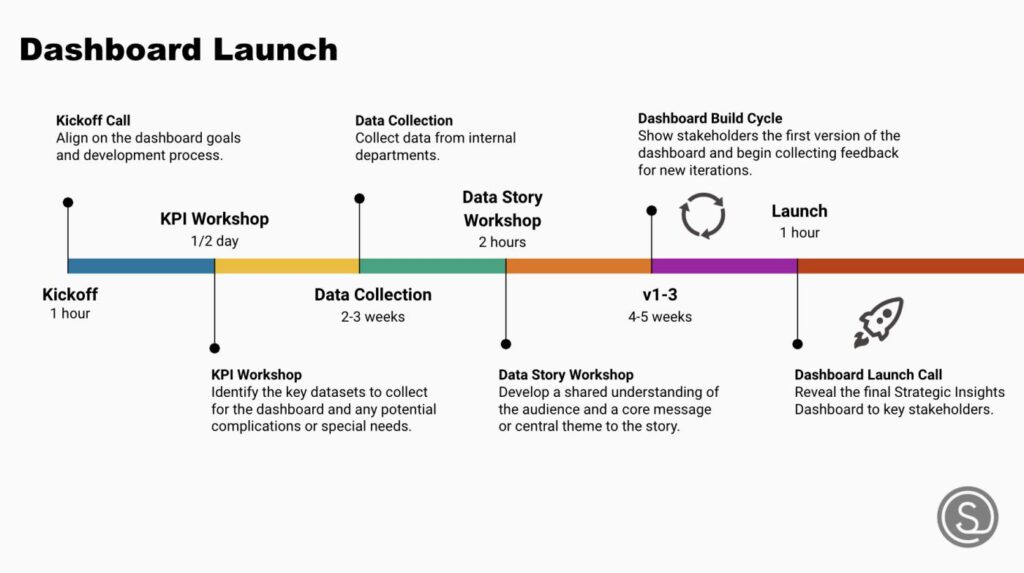
Week 1: Interview decision-makers and audit existing metrics, definitions and actual meeting decisions. Week 2: Reconcile the few metrics that matter most and document ownership and thresholds. Week 3: Simplify the executive view, add targeted diagnostic paths and test permissions. Week 4: Run live decision reviews, record actions and evaluate gaps. The sequence is a planning example; complex data environments may need longer for reconciliation and security testing.
Frequently asked questions
What are executive dashboard best practices?
Start with decisions, use governed KPI definitions, display meaningful comparisons and exceptions, assign action owners, provide drill-down context and measure whether the reporting changes decisions. Attractive charts are useful only when they support that workflow.
How many KPIs should an executive dashboard contain?
There is no universal number. Include the smallest set needed to cover the decisions in scope, and move diagnostic detail to secondary views. A metric without a clear decision or accountable owner is a candidate for removal.
Should an executive dashboard update in real time?
Only when the decision and response window justify it. Match refresh frequency to operational urgency, source-system limits, cost and the risk of acting on incomplete data.
Why do executives stop trusting dashboards?
Common causes include inconsistent definitions, unexplained discrepancies with source systems, stale refreshes, missing context and permissions that show different populations without explanation. Reconciliation and transparent definitions address the underlying issue more effectively than redesign alone.
How do we prove dashboard ROI?
Measure preparation and reconciliation time, decision latency, completed interventions and outcomes that can reasonably be linked to those interventions. Separate observed benefits from estimates and avoid attributing every performance change to the dashboard.
Turn reporting into a decision process
If your leadership team has dashboards but still relies on competing spreadsheets or lengthy reconciliation meetings, start by auditing the decisions, definitions and data flows rather than commissioning another screen. Explore Actiknow’s business intelligence services and contact the team to discuss a focused dashboard and data-quality assessment. A useful first engagement should produce a prioritized decision map, a reconciled KPI shortlist and a realistic implementation plan.