

Mobile App Maintenance Cost: What Happens After Launch?
Launching a mobile app is not the end of the software budget. It is the point at which the application starts operating in an environment that keeps changing.
Apple and Google release operating-system updates. Device behavior changes. Third-party SDKs are updated or deprecated. APIs evolve. Security vulnerabilities are discovered. Cloud infrastructure needs monitoring. Users report issues that were impossible to reproduce before the app reached real-world traffic.
That is why mobile app maintenance should be planned before launch, not treated as an emergency expense afterward.
This guide explains what ongoing maintenance actually includes, what drives cost, and how to budget for it without assuming every app needs a permanent full-time development team.
What Mobile App Maintenance Includes
Maintenance is broader than fixing bugs.
A production mobile application typically needs several categories of ongoing work.
1. Corrective Maintenance
Corrective maintenance addresses defects found after release.
Examples include crashes, broken screens, incorrect calculations, failed notifications, authentication problems, device-specific issues and API errors.
The amount of corrective work should fall as a mature product stabilizes, but it rarely reaches zero.
2. Adaptive Maintenance
Adaptive maintenance keeps the app compatible with changes around it.
This includes new iOS and Android versions, SDK updates, API changes, browser or WebView changes, cloud-service changes and app-store requirements.
Actiknow’s maintenance plans explicitly include adaptive software maintenance such as patches and library updates, along with bug fixes, backup restoration and performance work.
3. Security Maintenance
Dependencies and operating systems continually discover and fix vulnerabilities.
A maintenance process should monitor important dependencies, review security advisories, update vulnerable libraries, protect credentials and tokens, and keep server-side infrastructure patched.
Actiknow’s published security practices describe secure API connections, encrypted tokens, least-privilege access, MFA and security review within the software development lifecycle. Those controls also need continued attention after launch.
4. Performance Maintenance
Performance can deteriorate as usage and data volume grow.
Monitoring should cover crash rate, API latency, slow screens, database performance, infrastructure utilization and background jobs.
A feature that worked perfectly with 5,000 records may need optimization when the application has 500,000.
5. Operational Support
Someone needs to investigate production issues.
Support may include reviewing user-reported problems, checking logs, reproducing issues, correcting configuration, restoring service and coordinating releases.
The required support level depends on how important the app is to the business.
OS Updates Are a Recurring Cost
Apple and Google update their mobile platforms regularly.
Most releases do not require a major rewrite, but applications should be tested against new operating-system versions.
Problems can appear in permissions, notifications, background processing, media access, authentication, camera behavior, location services, storage, UI layout and third-party SDKs.
A sensible process includes pre-release testing when platform betas are available and production monitoring after major OS releases.
Do not wait for customer complaints to discover that an important workflow no longer works correctly.

App Store Requirements Change
Apple App Store and Google Play policies evolve.
Requirements can affect privacy disclosures, SDK versions, account deletion, permissions, payments, background behavior, data collection and submission processes.
Store maintenance therefore includes more than uploading a binary.
Someone needs to monitor relevant policy changes, update the application where necessary, prepare store metadata and respond to review issues.
Third-Party SDKs Need Maintenance
Most mobile apps depend on third-party components.
Examples include analytics, crash reporting, maps, payments, messaging, authentication, video, social login and customer support.
These SDKs change independently of your release schedule.
A vendor may deprecate a version, change configuration, require a privacy update or introduce breaking changes.
Maintain an inventory of important SDKs and dependencies so the team knows what the application relies on.
API Changes Can Break an Otherwise Stable App
A mobile app is often the visible layer of a larger system.
It may depend on a custom backend, CRM, payment gateway, content platform, analytics service, identity provider or another vendor API.
If one of those interfaces changes, the app can fail even though its own code has not changed.
Integration maintenance should therefore track API versions, deprecation notices, authentication changes, rate limits and vendor release notes.
Actiknow’s custom solutions practice includes mobile applications and API integrations. Treating those as one operating architecture rather than unrelated components makes post-launch support much easier.
Backend and Cloud Costs Continue After Launch
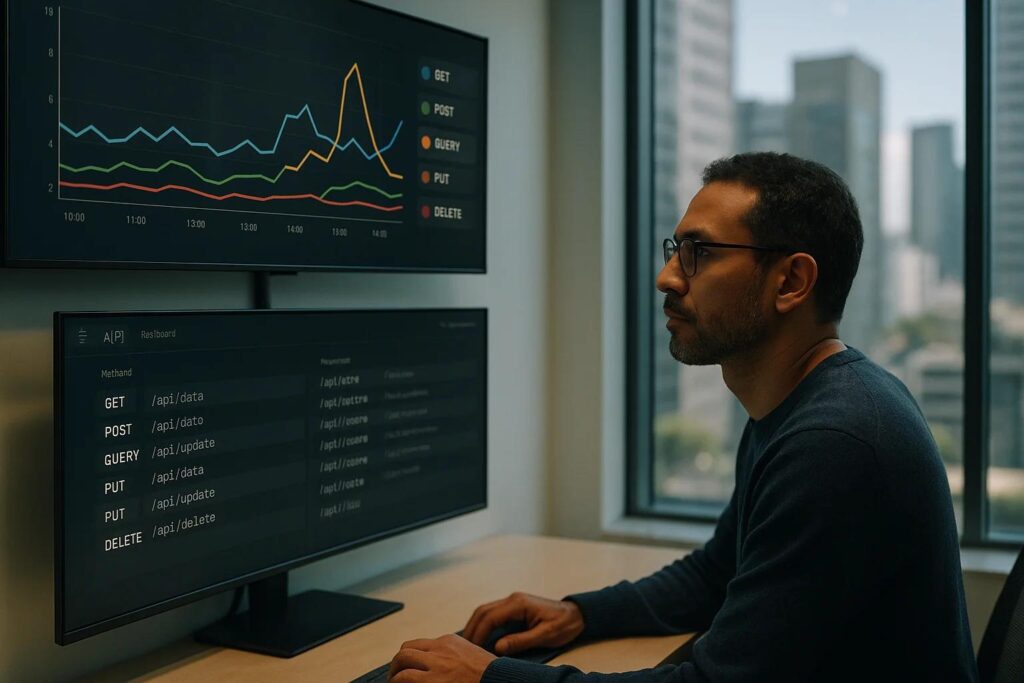
The app may be downloaded from an app store, but its backend still runs somewhere.
Ongoing infrastructure can include application servers, databases, object storage, CDNs, queues, search services, monitoring, backups and security tooling.
Cloud cost may grow with usage.
Budget separately for infrastructure and application maintenance so a rising hosting bill is not mistaken for development cost.
Monitoring Should Be Designed Before Launch
A production team should not learn about every issue from users.
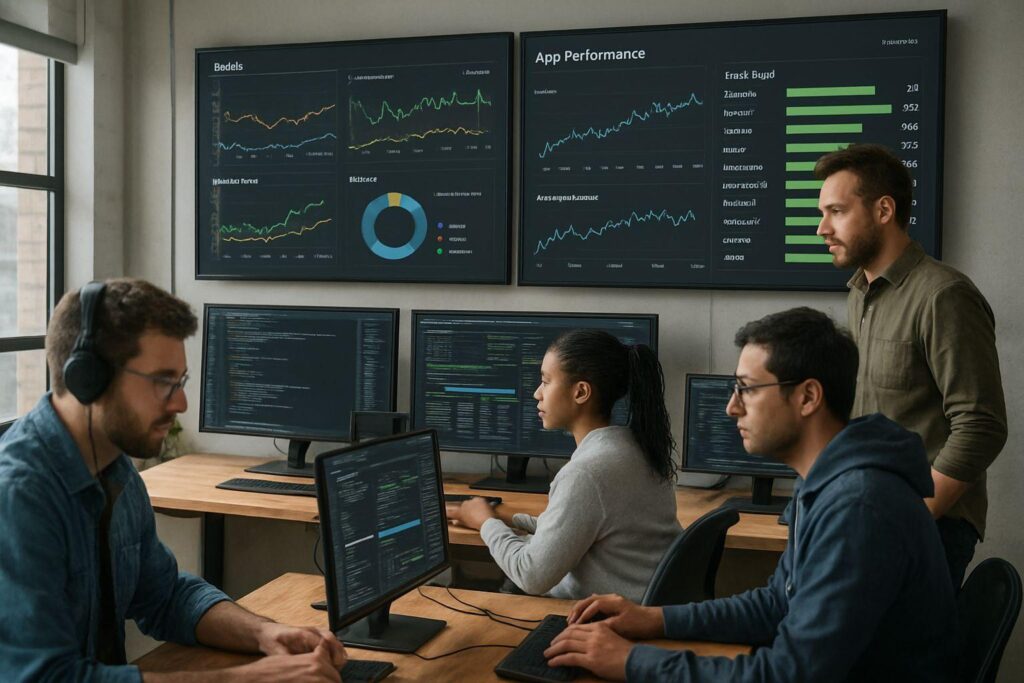
Useful monitoring can include crash reporting, backend error rate, API response time, failed background jobs, authentication failures, notification delivery, infrastructure utilization and key business transactions.
The objective is not to collect every possible metric.
Monitor the things that tell you whether customers can successfully use the application.
Crash-Free Sessions Are Not Enough
An app can have an excellent crash-free rate while important workflows fail.
A checkout API may reject transactions. Video may buffer excessively. Search may return no results. Notifications may stop arriving.
Combine technical health with business-level monitoring.
For example, track whether users can sign in, complete a payment, upload required data or finish the core workflow.
Security Patching Needs a Defined Owner
A vulnerability does not become less important because the original project team has moved on.
Define who monitors dependencies and who decides when a security update requires an emergency release.
The maintenance plan should cover both mobile code and server-side components.
For higher-risk applications, periodic penetration testing or security review may also be appropriate.
Support Cost Depends on Service Expectations
A consumer app used around the clock has different support needs from an internal application used during business hours.
Define expectations such as response time, severity levels, support hours, escalation and recovery objectives.
Do not buy 24/7 engineering coverage for an app that does not need it.
Equally, do not rely on best-effort support for an application that runs a critical business process.
Maintenance and Enhancement Are Different
A useful budget separates maintenance from product development.
Maintenance keeps the existing product secure, compatible and reliable.
Enhancement changes what the product can do.
Examples of enhancements include new workflows, redesigned screens, new integrations, new reports or major feature additions.
Separating these categories makes the operating cost easier to understand and prevents the maintenance budget from being consumed by roadmap work.
How to Estimate Mobile App Maintenance Cost
There is no reliable universal percentage of original development cost that applies to every app.
Estimate the actual workload.
Consider the following factors.
1. Platform Count
Maintaining both iOS and Android generally requires more testing than one platform.
The impact depends on whether the app is native, Flutter, React Native or another architecture.
Shared code can reduce duplication, but platform-specific behavior and store processes still exist.
2. Application Complexity
An app with authentication, payments, offline synchronization, video, background processing and multiple integrations requires more maintenance than a simple informational application.
3. Integration Count
Every external dependency adds a change surface.
4. Criticality
An application that directly affects revenue, field operations or customer service may require stronger monitoring and faster support.
5. User Base
More users produce more device combinations, edge cases and support volume.
6. Release Frequency
A product shipping enhancements every two weeks needs a more active engineering and QA process than an app that changes quarterly.
7. Security and Compliance
Applications handling sensitive or regulated data may need additional review, logging, testing and documentation.
8. Backend Ownership
If the same team maintains APIs, databases and cloud infrastructure, include that workload.

A Practical Budget Structure
Instead of one maintenance number, budget in categories.
1. Baseline Application Maintenance
OS compatibility, dependency updates, small bug fixes and routine store work.
2. Monitoring and Support
Production monitoring, incident investigation and user-reported issue handling.
3. Infrastructure
Cloud services, databases, storage, monitoring tools and related platform costs.
4. Security
Vulnerability work, patches, periodic review and any required security testing.
5. Vendor and API Change
Work caused by external integrations and SDKs.
6. Enhancement Reserve
A separate roadmap budget for improvements rather than maintenance.
This structure makes it easier to explain why costs change.
Use a Maintenance Retainer When Work Is Continuous
For many business applications, a monthly support allocation is easier to operate than approving every small task separately.
A retainer can cover a defined number of engineering hours plus support and monitoring expectations.
Actiknow publishes maintenance plans for custom applications with different support levels and developer-hour allocations. The exact model should reflect the application’s complexity and required response times.
Use On-Demand Maintenance When Risk Is Low
Some applications are stable, low-usage and non-critical.
On-demand support can be appropriate if the business accepts slower response and has a clear way to re-engage developers.
The risk is continuity.
If nobody has touched the code for two years, even a small fix may first require environment setup, dependency upgrades and investigation.
Keep documentation, source control and deployment access current even when maintenance is infrequent.
Keep a Small Release Cadence
Avoid letting technical updates accumulate indefinitely.
A predictable maintenance cadence makes changes smaller and easier to test.
For example, a team may review dependencies monthly, test OS changes around major releases, apply routine backend patches regularly and bundle non-urgent mobile fixes into scheduled releases.
Critical security or production issues should follow a separate emergency process.
Maintain a Device Testing Strategy
You do not need every phone ever manufactured.
You do need representative coverage.
Use analytics to identify the operating-system versions, screen sizes and device families that matter most to your users.
Combine physical-device testing with device farms or emulators where appropriate.
Retire support for obsolete environments deliberately rather than accidentally.
Track Maintenance Metrics
Useful metrics include production incidents, crash rate, critical API failures, mean time to recovery, unresolved bug backlog, dependency age, store rejection rate, support tickets, infrastructure cost and release frequency.

Metrics should help answer whether the application is becoming easier or harder to operate.
When Maintenance Cost Starts Rising
A rising maintenance bill can indicate several things.
Usage may be growing, which can be healthy.
The application may have accumulated technical debt.
Dependencies may be obsolete.
Architecture may no longer fit current scale.
Too many manual support steps may exist.
A legacy component may require disproportionate effort.
Do not automatically cut maintenance when cost rises.
First identify why it is rising.
Sometimes targeted modernization reduces the long-term cost more effectively than repeated patching.
Plan for Ownership and Handover
Your organization should know where the source code lives, how releases are built, which cloud accounts are used, where credentials are managed, which third-party services are required and how production is monitored.
If an external partner maintains the application, define what documentation and access the business retains.
This is important even when the relationship is strong.
A maintainable application should not depend on one individual remembering how production works.
Frequently Asked Questions
How much does mobile app maintenance cost per year?
There is no universal percentage that reliably applies to every application. Cost depends on complexity, platforms, integrations, user volume, support expectations, infrastructure and release frequency. Estimate the actual maintenance workload rather than relying only on a generic percentage.
Does a mobile app need maintenance if no new features are being added?
Yes. OS versions, app-store policies, dependencies, SDKs, APIs and security requirements continue to change even when the product roadmap is quiet.
Is Flutter or React Native cheaper to maintain than separate native apps?
Shared code can reduce duplicated implementation effort, but maintenance cost still depends on platform-specific behavior, plugins, native integrations, testing and the application’s overall complexity. Architecture should be evaluated in context.
What is included in mobile app maintenance?
Typical maintenance includes bug fixes, OS compatibility, dependency updates, security patches, API changes, monitoring, store releases, performance work and production support.
Are cloud hosting costs part of maintenance?
They are part of the total operating cost, although it is often clearer to report infrastructure separately from engineering maintenance.
How often should a mobile app be updated?
There is no fixed schedule. Security and critical compatibility updates should be addressed promptly. Routine dependency and compatibility work can follow a planned cadence appropriate to the app.
Should we keep the original development team for maintenance?
Continuity helps, but it is not mandatory. Good documentation, source control, architecture records, deployment automation and access management should allow another qualified team to take over.
When should we rebuild instead of maintaining?
Consider modernization when obsolete architecture, unsupported dependencies, performance constraints or accumulated technical debt make routine change disproportionately risky or expensive. Compare targeted refactoring with a full rewrite before deciding.
Conclusion
Mobile app maintenance cost is the cost of keeping a live product dependable in a changing environment.
Budget for compatibility, security, monitoring, API changes, support and infrastructure. Keep enhancements separate so the organization can see the true cost of operating the existing product.
Most importantly, assign ownership before launch.
A mobile app that has clear monitoring, documentation, release processes and maintenance responsibility is far easier to operate than one that is handed over only after the first production problem appears.
If you are planning post-launch support for an existing or new mobile application, Actiknow can help define a practical maintenance model, assess technical risk and provide ongoing application support. Discuss your mobile application requirements with Actiknow.