
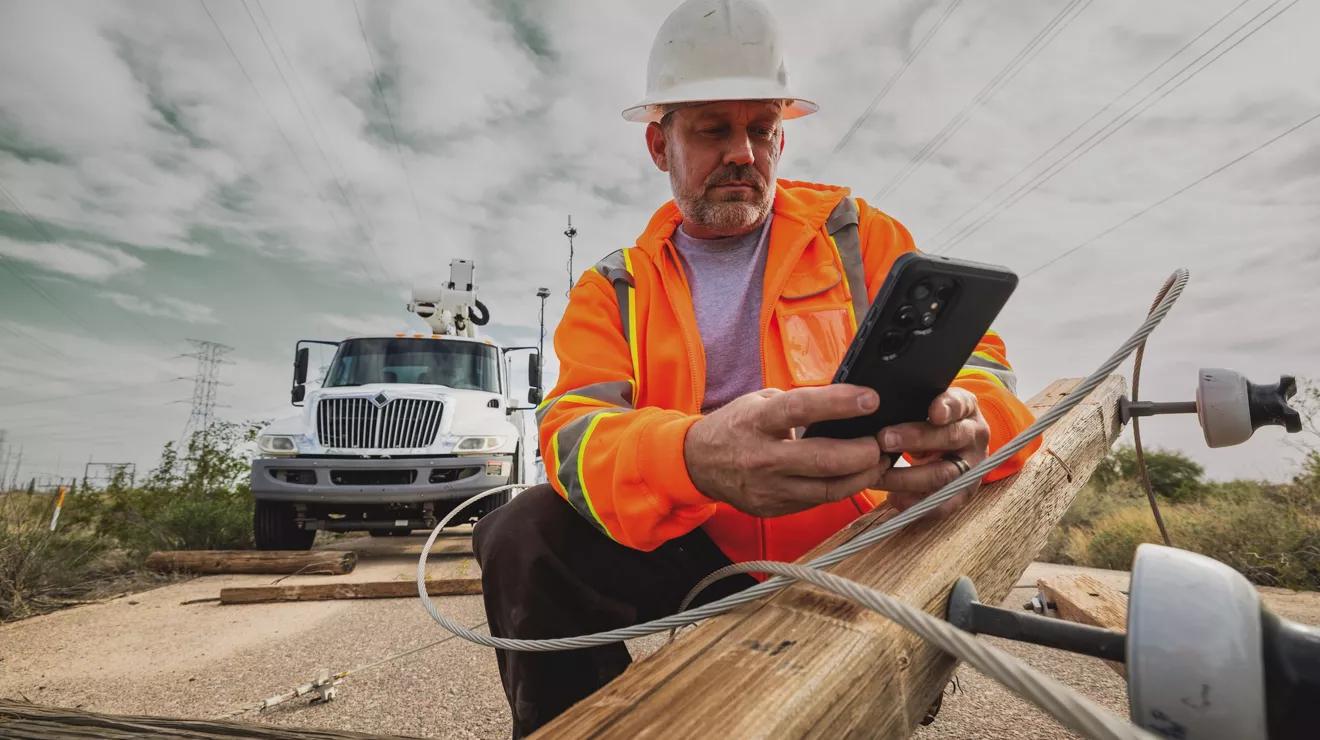
Field software should not stop when the network does
A field service application can work perfectly in an office and still fail in the field.
Technicians may work in basements, warehouses, construction sites, rural areas, plant rooms or customer locations with weak Wi-Fi. Mobile coverage can disappear for minutes or hours. Connections can switch repeatedly between Wi-Fi and cellular networks. Large photos may take much longer to upload than a status update.
If the application assumes that every tap can immediately reach the server, unreliable connectivity becomes an operational problem. A technician may be unable to open a job, capture evidence, record parts, collect a signature or complete work.
Offline-first architecture changes that assumption. The application is designed so that essential work can continue locally and synchronize safely when connectivity returns.
This is particularly relevant to the kinds of field data collection tools Actiknow describes within its custom solutions practice, including forms, mobile apps and timesheets for field teams. The important architectural question is not simply whether the app has an “offline mode.” It is which actions can happen offline, how local and server data are reconciled, and how the business can prove that nothing was silently lost.
1. Define the offline business boundary
Do not begin with a technical statement such as “the app must work offline.”
Define the exact workflow.
For example, a technician may need to:
- view assigned jobs;
- open customer and site details;
- read equipment history;
- start a visit;
- complete a checklist;
- record readings;
- add notes;
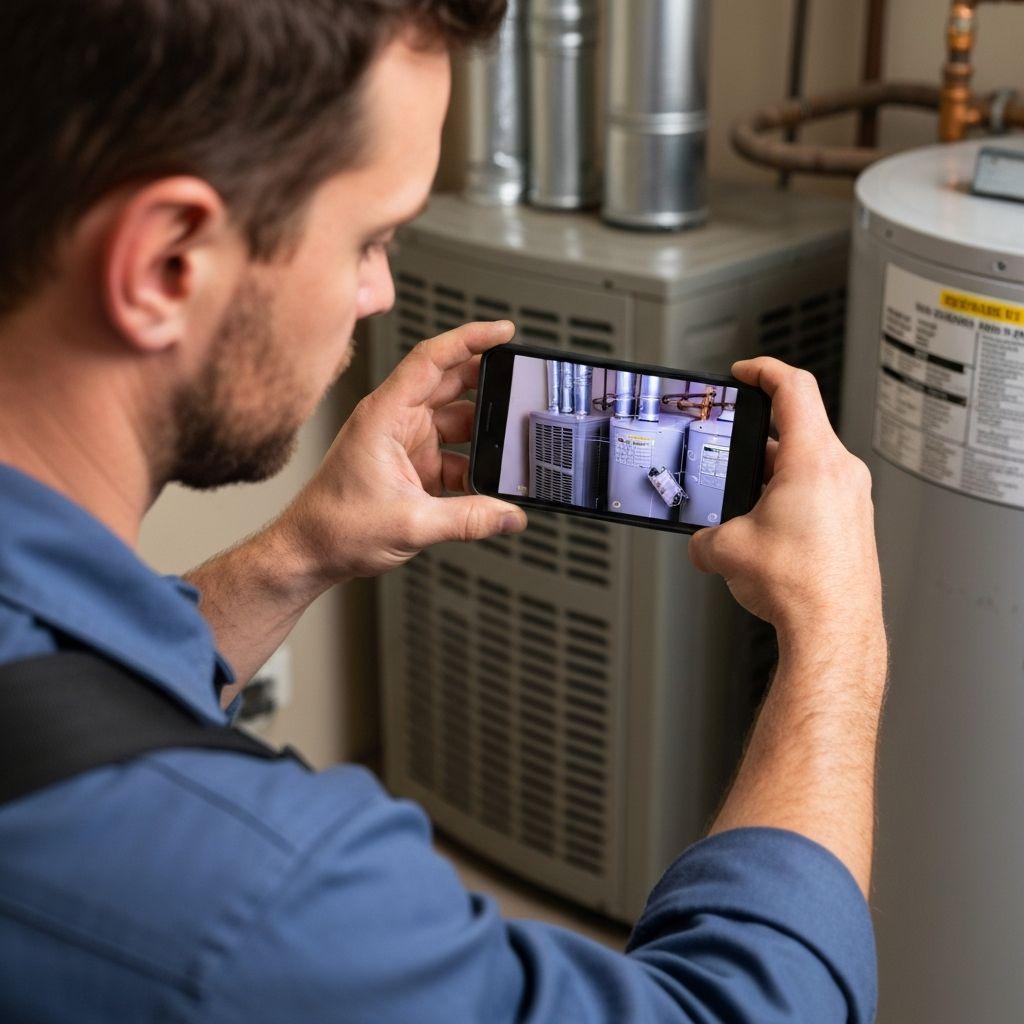
- capture photos;
- record parts used;
- collect a signature;
- mark work complete.
Then classify every action.
Must work offline.
May work offline.
Requires connectivity.
This creates an explicit product boundary.
A payment authorization, live inventory check or remote equipment command may legitimately require a network. Viewing an already assigned job should usually not.
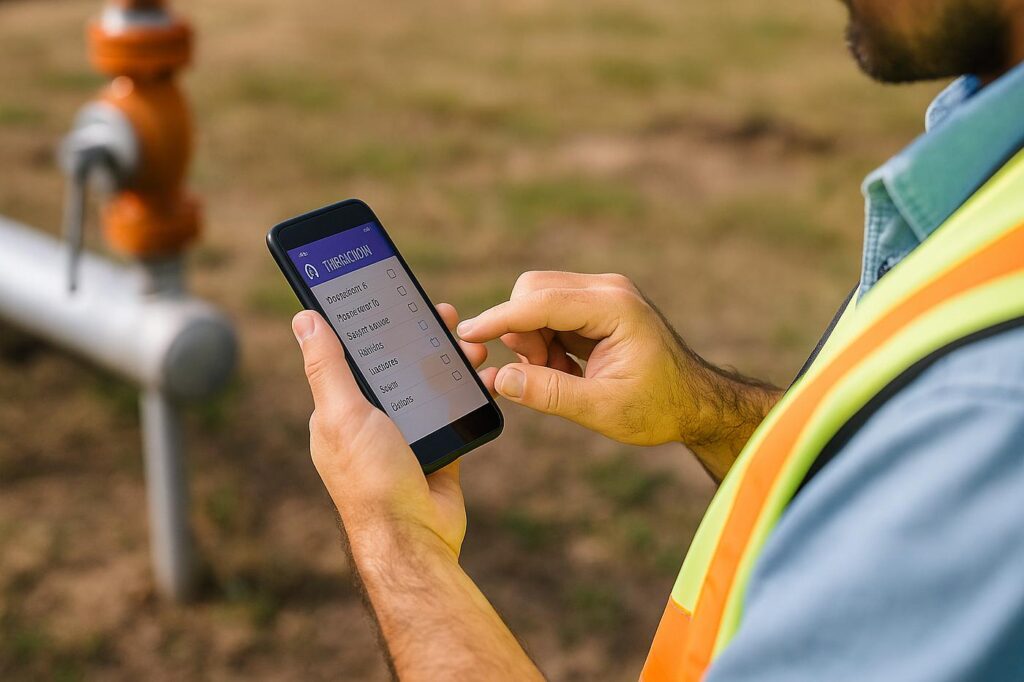
2. Design around local state, not cached screens
A weak offline implementation often caches a few API responses.
That can help users read information without a connection, but it does not create a reliable offline workflow.
An offline-first application needs a local representation of the business data required to perform work.
That may include:
- jobs;
- customers;
- sites;
- assets;
- checklists;
- reference data;
- technician assignments;
- recent service history;
- locally created notes;
- attachments;
- pending changes.
The local database becomes an active part of the application architecture, not merely a temporary performance cache.
3. Decide what data belongs on the device
Downloading everything is rarely sensible.
The device should contain enough data for the technician’s expected work, with an appropriate buffer for schedule changes.
Possible rules include:
- today’s assigned jobs;
- the next several days of assigned work;
- customer and site data for those jobs;
- relevant asset history;
- required forms and reference data.
The right scope depends on field conditions.
If dispatch can reassign work during the day, the app may need to retain a wider working set. If data is sensitive, minimizing local storage may be more important.
This decision affects storage, sync time, security and user experience.
4. Treat every offline change as an operation that must survive failure
Suppose a technician marks a job complete while offline.
The application should not simply change a local field from “Open” to “Complete” and hope the next sync works.
The system should know that a specific change is pending synchronization.
A durable queue can record information such as:
- operation type;
- record identifier;
- local timestamp;
- user;
- payload;
- retry count;
- sync state;
- dependency;
- error state.
This allows the application to distinguish between data that has been synchronized and data that still exists only on the device.
That distinction is essential for support and auditability.
5. Make retries safe
Mobile networks fail in awkward ways.
A request may reach the server even if the phone never receives the response.
If the app retries blindly, the same action can happen twice.
For example:
- two work-completion events;
- duplicate notes;
- duplicate part usage;
- duplicate invoices;
- duplicate uploaded evidence.
Important operations should therefore be designed to be idempotent where practical.
The client can assign a stable operation identifier. If the server receives the same operation again, it can recognize that it has already been processed instead of creating a duplicate.
Safe retries are one of the foundations of reliable synchronization.
6. Separate small transactional data from large attachments
A status update and a 15 MB video should not have the same synchronization behavior.
Separate:
- structured records;
- photos;
- documents;
- audio;
- video.
The application may be able to synchronize job status, notes and readings quickly while attachments continue uploading in the background.
This reduces the risk that one large file blocks the entire queue.
It also enables clearer progress indicators.
7. Plan attachment lifecycle carefully
Field applications often rely heavily on evidence.
For each attachment, decide:
- where it is stored locally;
- how it is named;
- whether it is compressed;
- whether metadata is captured;
- when upload begins;
- how partial uploads are handled;
- how successful upload is confirmed;
- when the local copy can be deleted;
- what happens if storage becomes low.
Never assume that a photo is safe merely because the technician can see it in the app.
The application needs a reliable confirmation that the server has received it before local cleanup.
8. Design conflict resolution before conflicts occur
Conflicts happen when the same business record changes in more than one place before synchronization.
Imagine:
A dispatcher changes the technician assigned to a job.
Meanwhile, the original technician is offline and updates the job.
Or:
The office changes an asset address.
The field user edits the same address while disconnected.
A simplistic “last write wins” rule may silently discard valid information.
Conflict policy should be based on the business meaning of each field and action.
Possible approaches include:
- server wins;
- device wins;
- latest timestamp wins;
- merge non-overlapping fields;
- reject the stale update;
- create a review task;
- apply role-based priority.
Different data can use different policies.
9. Use versioning to detect stale updates
One practical pattern is to associate a version with server records.
The device downloads version 12.
While the technician is offline, the server advances to version 13.
When the device submits its change based on version 12, the server knows the update may be stale.
The system can then apply the configured conflict rule rather than overwriting newer data unknowingly.
This turns conflict handling from guesswork into a deliberate workflow.
10. Do not rely only on timestamps
Device clocks can be wrong.
Time zones can be misconfigured.
Users can change device time.
Network delays can reorder events.
Timestamps are useful for audit history, but they should not be the sole mechanism for determining data authority.
Server versions, operation IDs and explicit workflow rules are generally safer foundations for synchronization.
11. Model dependencies in the sync queue
Some operations depend on earlier operations.
A technician may create a local service record and then attach three photos to it.
The photos cannot be linked correctly on the server until the service record exists there.
The synchronization engine therefore needs to understand dependencies.
For example:
- create service record;
- receive server identifier;
- upload attachments;
- link attachments;
- submit completion.
A queue that simply sends items in arbitrary order will eventually create hard-to-reproduce failures.
12. Decide what “complete” means
A technician may press Complete while offline.
Has the job actually completed from the business’s perspective?
There are at least two states:
- completed locally;
- confirmed by the server.
The user interface should communicate this difference.
A useful pattern is to show states such as:
- Saved on device.
- Waiting to sync.
- Syncing.
- Synced.
- Needs attention.
This is more trustworthy than showing a generic green check mark before the central system has accepted the change.
13. Give users visibility into sync status
Synchronization should not be invisible when it matters operationally.
Users should be able to tell:
- whether the device is offline;
- when data last synchronized;
- whether changes are pending;
- whether an item failed;
- whether action is required.
Avoid technical error messages.
“HTTP 409” means little to a technician.
“This job changed while you were offline. Review the updated assignment before submitting” is actionable.
14. Make the application usable during intermittent connectivity
The hardest environment is not permanently offline.
It is a connection that repeatedly appears and disappears.
The app should not freeze every time connectivity changes.
Network state should influence synchronization behavior, but the user should continue working against the local state wherever the workflow permits.
A good offline-first experience feels stable even when the network is unstable.
15. Define sync triggers
Synchronization can occur when:
- the app launches;
- the user signs in;
- connectivity returns;
- the user pulls to refresh;
- a job is opened;
- a job is completed;
- the app returns to the foreground;
- a background task runs.
Different data may use different triggers.
The objective is to keep information reasonably current without draining battery, consuming unnecessary data or creating constant server traffic.
16. Account for mobile operating-system restrictions
Background processing is constrained by iOS and Android.
The operating system may suspend applications, limit background activity or delay jobs to preserve battery.
Therefore, “the app will sync every five minutes in the background” may not be a dependable business guarantee.
Critical workflows should synchronize when the app is active and provide clear status when pending work remains.
Architecture should reflect what mobile operating systems actually permit.

17. Decide how much history technicians need
Service history can be valuable in the field.
But downloading an asset’s entire history may be unnecessary.
Define what helps technicians make decisions.
For example:
- last five service visits;
- open issues;
- recent readings;
- warranty status;
- equipment documentation.
Older history can remain available online.
This balances usability with local storage and sync efficiency.
18. Design reference data for offline use
Forms often depend on centrally managed values:
- service types;
- failure codes;
- parts;
- checklist templates;
- safety categories;
- completion reasons.
These values need a synchronization strategy too.
If a reference value changes while a technician is offline, old locally created records should remain understandable.
Stable identifiers and sensible versioning prevent historical records from becoming ambiguous.
19. Handle deleted and deactivated records explicitly
Deletes are easy to miss in synchronization design.
Suppose a dispatcher cancels a job that already exists on a technician’s device.
The next sync must communicate that change.
Simply asking the server for “records updated since yesterday” may not return records that no longer exist.
Common patterns include:
- soft deletes;
- tombstone records;
- status-based deactivation;
- change feeds.
The right approach depends on the backend, but deletion semantics must be designed.
20. Protect data stored locally
Offline capability means business data exists on the device.
That creates security requirements.
Consider:
- encrypted local storage;
- secure credential and token storage;
- device authentication;
- session expiry;
- remote access revocation;
- minimal local data;
- attachment protection;
- log sanitization;
- data cleanup after logout;
- mobile device management where appropriate.
Actiknow’s security page describes a broader data-privacy-first approach including least-privilege access, MFA and security controls. An offline field application should apply the same principle at the device level: store only what is required and restrict who can access it.
21. Plan authentication for offline periods
Authentication becomes complicated when the identity provider cannot be reached.
Questions include:
- Can an already authenticated user reopen the app offline?
- For how long?
- What happens when a token expires?
- What if the employee was disabled centrally?
- What sensitive actions require reauthentication?
There is a trade-off between field continuity and access control.
Define the acceptable offline authentication window based on business risk rather than choosing an arbitrary duration.
22. Keep an auditable event history
Field operations often need to prove what happened.
Useful events may include:
- job downloaded;
- work started;
- form saved;
- photo captured;
- signature collected;
- completion submitted;
- sync attempted;
- sync failed;
- server accepted completion.
Record both business events and synchronization events where they are operationally important.
This makes it possible to investigate whether a missing update was never entered, remained on a device, failed to synchronize or was rejected centrally.
23. Distinguish device time from server time
For field activity, both can matter.
Device time indicates when the user performed an action according to the device.
Server time indicates when the central system received it.
For example:
Technician completed inspection at 14:05 device time.
Device regained connectivity at 16:20.
Server accepted synchronization at 16:21.
Preserving these concepts avoids misleading operational reports.
24. Design forms for interruption
Field users are interrupted.
A call arrives.
The battery dies.
The app is backgrounded.
The technician switches jobs.
Long forms should save progress locally as the user works.
Do not make the user press a final Save button to preserve twenty minutes of data entry.
Draft state is especially important offline because there may be no server autosave.
25. Validate locally where possible
If a field is required, validate it on the device.
If a reading must be numeric, validate it on the device.
If completion requires a signature, check that locally.
Waiting for the server to discover basic validation errors defeats offline usability.
However, some rules depend on current central data and may require server validation during synchronization.
The application should distinguish local validation from authoritative server validation.
26. Plan for server rejection
A synchronized operation can still be rejected.
Perhaps:
- the job was cancelled;
- the user lost permission;
- the asset was merged;
- the inventory item is unavailable;
- a business rule changed.
Do not discard the local operation.
Move it into a recoverable exception state with enough information for the user or support team to resolve it.
A failed sync should be an operational workflow, not a dead end.
27. Build support tooling
Offline systems create questions that administrators need to answer.
Support may need to see:
- device identifier;
- application version;
- user;
- last successful sync;
- pending operation count;
- failed operations;
- error reason;
- last data refresh.
Do not expose sensitive payloads unnecessarily.
But provide enough diagnostics to avoid asking technicians to reinstall the app whenever something goes wrong.
28. Avoid “reinstall the app” as a recovery strategy
Reinstalling may delete the only copy of unsynchronized work.
Before logout, cache reset or uninstall, the app should warn users when pending data exists.
Support procedures should also reflect this risk.
A reliable field system treats unsynchronized local data as valuable business data.
29. Test real network failure patterns
Testing online and then switching the phone to airplane mode once is not enough.
Test:
- connection loss during save;
- connection loss during upload;
- very slow networks;
- high latency;
- network switching;
- duplicate responses;
- server timeout after successful processing;
- app termination during sync;
- device restart;
- low storage;
- token expiry while offline;
- conflicting edits;
- multiple days offline.
The synchronization engine should be tested as seriously as the user interface.
30. Test with realistic data volumes
A pilot may have ten jobs and a handful of photos.
Production may have:
- hundreds of jobs per technician;
- thousands of reference records;
- years of asset history;
- large image sets.
Test synchronization time, local database performance, storage consumption and recovery with realistic volumes.
31. Monitor synchronization as a production service
A field app can appear healthy while devices accumulate unsynchronized work.
Operational monitoring should track measures such as:
- successful sync rate;
- failed operation count;
- oldest pending operation;
- attachment upload failures;
- average sync delay;
- conflict rate;
- client versions in use.
These metrics provide earlier warning than support tickets.
32. Define data freshness expectations
Offline-first does not mean data is always current.
The business needs to know what freshness is acceptable.
For example:
- new assignments should reach connected devices within a few minutes;
- reference data should refresh daily;
- completed jobs should synchronize as soon as connectivity returns;
- critical cancellations should be highlighted on the next successful sync.
Explicit expectations make architecture and monitoring more meaningful.
33. Consider whether a cross-platform framework fits
Many field applications need both iOS and Android support.
A cross-platform approach can be attractive, but validate the actual requirements:
- local database support;
- camera;
- GPS;
- background tasks;
- push notifications;
- file handling;
- Bluetooth or NFC if required;
- enterprise distribution;
- offline synchronization libraries.
Actiknow’s cross-platform mobile app development page describes support for cross-platform applications and integrations. For an offline field product, framework selection should follow the required device capabilities and synchronization design rather than precede them.
Offline-first does not mean device-first governance.
The central backend should remain the authoritative system for shared business state.
The device owns temporary local work and queued operations.
The server owns centrally accepted records, permission rules and shared state.
This boundary simplifies reasoning about synchronization and conflict handling.
35. Use APIs designed for synchronization
A generic CRUD API may work initially but become inefficient for field synchronization.
Useful capabilities can include:
- incremental change retrieval;
- stable version identifiers;
- batch operations;
- idempotency keys;
- deleted-record feeds;
- attachment endpoints;
- conflict responses;
- server timestamps.
If the API is designed with mobile synchronization in mind, the client becomes simpler and more reliable.
36. Separate sync logic from screen logic
Do not let every screen invent its own retry and synchronization behavior.
Create a dedicated data and synchronization layer.
Screens should work with local application state.
The sync engine should handle communication with the server.
This separation makes failure handling, testing and future changes much easier.
37. Roll out carefully
Offline synchronization bugs can affect business records.
Use staged deployment.
Start with:
- internal testing;
- controlled field pilot;
- limited customer group;
- monitored expansion.
Track failures and conflicts before broad rollout.
Field conditions will reveal behaviors that office testing misses.

A practical offline-first architecture
A typical architecture may include:
Mobile application
Provides the technician interface and writes essential work locally.
Local database
Stores assigned work, reference data, drafts and synchronized records.
Durable operation queue
Tracks changes that must reach the server.
Attachment manager
Handles local files and resumable or retryable uploads.
Synchronization engine
Pushes local operations and pulls central changes.
Backend API
Validates operations, applies permissions, detects conflicts and returns authoritative state.
Central database
Stores accepted shared business data.
Object storage
Stores photos and other large evidence files.
Monitoring
Tracks failures, queue age, sync latency and client versions.
Administration tools
Allow operations or support teams to resolve exceptional cases.
The exact technology varies. The responsibilities should remain explicit.

What executives should ask before approving an offline field app
Before approving scope, ask:
- Which exact tasks work with no network?
- How long can a technician operate offline?
- What data is stored on the device?
- How is local data protected?
- How are pending changes identified?
- How are retries made safe?
- How are conflicting edits handled?
- What happens when the server rejects an offline action?
- How do attachments synchronize?
- Can users see what has and has not synced?
- How do administrators diagnose failures?
- What happens if the phone is lost?
- What happens if the app is removed with pending work?
- How is sync reliability monitored?
- What evidence proves that completed field work reached the central system?
If the answers are vague, “offline support” is probably still a feature label rather than an architecture.
Frequently asked questions
What is an offline-first field service app?
It is an application designed so essential field workflows operate against local device data and can continue without a reliable network. Changes are stored safely and synchronized with the central system when connectivity is available.
Is offline-first the same as caching?
No. Caching primarily helps users read previously downloaded information. Offline-first applications also support local business actions, durable pending changes, synchronization, retries and conflict handling.
How long should a field app work offline?
That depends on the operating environment and risk. Some teams need only to survive short connectivity gaps. Others may work offline for an entire day or longer. The expected duration determines how much data, authentication capability and storage the device needs.
How should offline conflicts be resolved?
There is no universal rule. Resolution should reflect the business meaning of the data. Some fields can merge safely, some should favor central state, and some conflicts should require human review.
What happens if a sync request is sent twice?
The server should make important operations safe to retry where practical, commonly by recognizing a stable operation identifier. This reduces duplicate records and duplicate business actions.
Should photos sync with job data?
They are related but often benefit from separate transfer handling. Structured job changes can synchronize quickly while large attachments upload independently and retry without blocking other work.
Can a technician complete a job while offline?
Yes, if the workflow is designed for it. The app should distinguish local completion from server-confirmed synchronization so the technician and office know whether the central system has accepted the work.
Is offline data a security risk?
It increases the security surface because business data exists on the device. Use appropriate local encryption, secure token storage, access controls, minimal data retention and cleanup policies based on the sensitivity of the information.
Do field apps need native development to work offline?
Not necessarily. Native and cross-platform applications can both support offline architectures. The choice should be based on required device capabilities, framework support, team skills and long-term maintenance.
How do you test an offline-first application?
Test real failure patterns: slow networks, intermittent connectivity, duplicate requests, app termination, device restart, conflicting edits, token expiry, large attachments and multiple days without synchronization.
Offline reliability is a business requirement, not a checkbox
The difficult part of an offline field application is not displaying a cached job when the signal disappears.
It is guaranteeing that technicians can continue working, that every important change survives failure, that duplicate actions are prevented, that conflicts are handled deliberately, and that the office can tell what has reached the central system.
That requires local data architecture, durable queues, safe retries, conflict rules, attachment handling, security, audit history and production monitoring.
When those responsibilities are designed explicitly, unreliable connectivity becomes an expected operating condition rather than an emergency.
If your field teams work in environments where connectivity cannot be guaranteed, Actiknow’s custom solutions team can help define the mobile workflow, offline data model, synchronization architecture and integrations required for a reliable field application. Contact Actiknow to discuss the requirements.