
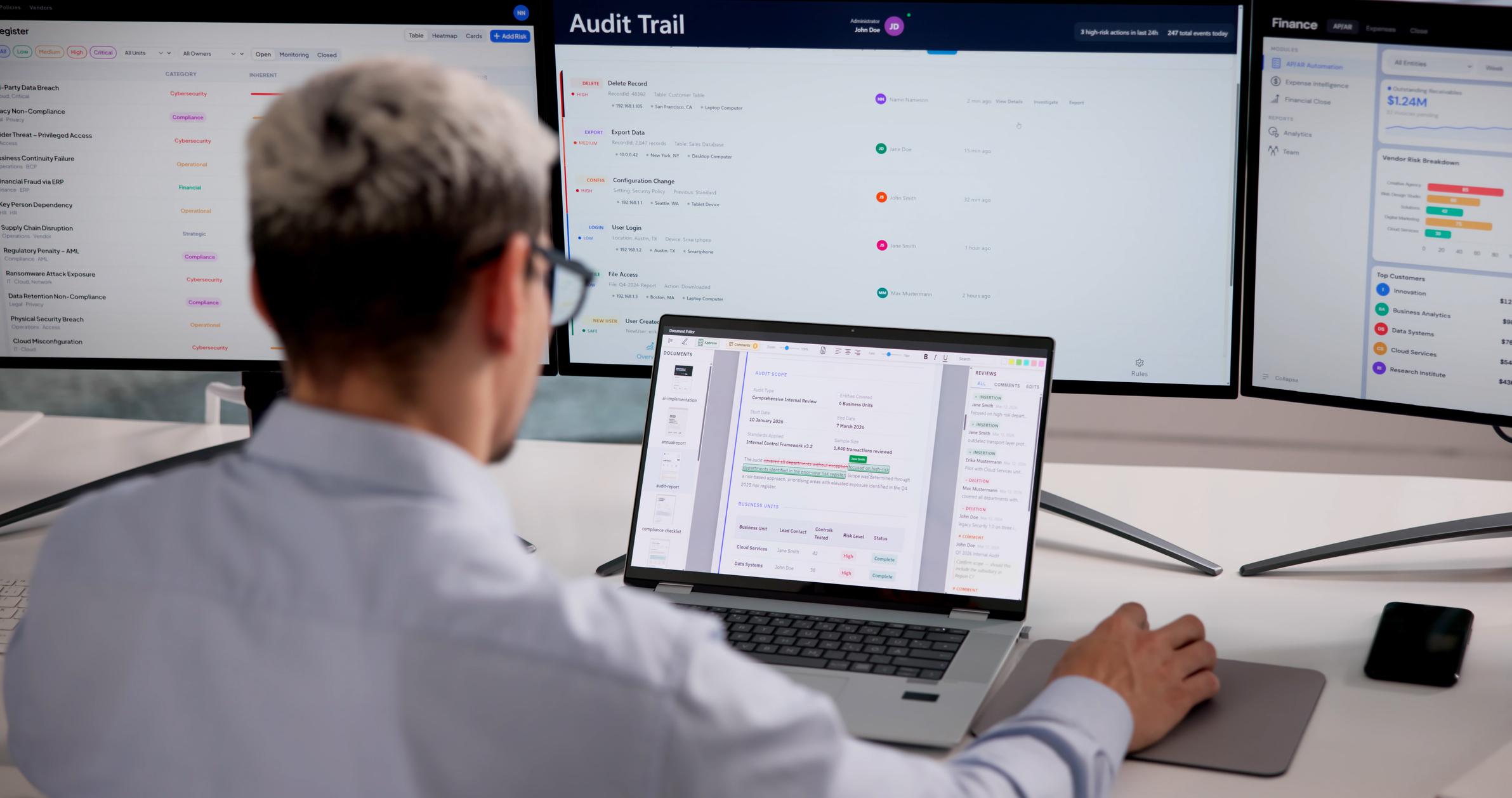
An audit trail is useful only if it can answer a real question.
Who changed this customer’s bank details? Who approved the transaction? Which administrator granted the role? What value existed before the change? Was the action performed through the user interface, an API or a background job? When did it happen?
Applications often produce enormous quantities of technical logs while failing to preserve the small set of business events required to reconstruct an important action.
Good audit design starts with accountability, not volume.
Actiknow’s custom application planning guidance includes audit logs among the controls that may be needed to protect application data. Actiknow has also delivered applications where role-based access and timestamped audit trails were explicit parts of the solution. The architectural lesson is broader: auditability should be designed with workflows and permissions rather than added after an incident.
Audit Logs vs Application Logs
Operational logs help engineers diagnose software.
They may contain stack traces, request durations, service errors and infrastructure events.
Audit logs answer accountability questions.
They record meaningful security and business actions performed by identifiable actors.
The two can overlap, but they should not be confused.
A server log saying “PUT /users/123 returned 200” is not necessarily a useful audit record.
An audit event saying “Administrator A changed User 123 role from Analyst to Finance Admin” is much more meaningful.
Define Audit Use Cases First
Ask what the organization may need to investigate.
Common use cases include:
- security incident;
- customer dispute;
- financial approval;
- data correction;
- access change;
- compliance review;
- support investigation;
- administrator activity.
For each use case, identify the minimum evidence required.
This prevents both under-logging and indiscriminate data collection.
What Events Should Be Audited?
Prioritize actions that change authority, money, sensitive data or important business state.
Examples include:
login and important authentication failures;
- password or MFA changes;
- role assignments;
- permission changes;
- user creation and deactivation;
- customer ownership changes;
- approval and rejection;
- payment detail changes;
- financial adjustments;
- status changes;
- record deletion;
- data exports;
- configuration changes;
- integration credential changes;
- administrator impersonation;
- bulk operations;
- sensitive document access where justified.
Not every mouse click deserves an audit event.
Focus on actions with investigation value.

Record the Actor
Every audit event should identify who or what performed the action.
The actor may be:
- human user;
- administrator;
- API client;
- service account;
- scheduled job;
- system process.
Store a stable identifier.
Display names and email addresses can change, so do not make them the only identity key.
For automated actions, record the service identity and, where available, the initiating user or process.
Record the Target
Identify what changed.
Use stable resource identifiers:
- user ID;
- invoice ID;
- order ID;
- case ID;
- document ID;
- configuration object.
Include a human-readable label where useful, but keep the stable ID for reliable lookup.
Record the Action
Use structured action types rather than only free-form messages.
Examples:
- user.role_changed;
- invoice.approved;
- customer.bank_details_updated;
- document.deleted;
- export.generated.
Structured actions make audit history searchable and analyzable.
Free-form description can supplement the structured event.
Before and After Values
For important changes, before-and-after values can be invaluable.
If a status changes from Pending to Approved, record both.
If a user’s role changes, preserve old and new roles.
But do not blindly store complete record snapshots.
A record may contain passwords, tokens, medical information, payment details or other sensitive data that should not be duplicated into logs.
Define field-level audit rules.
Sensitive-Data Boundaries
Auditability does not justify unlimited retention of sensitive information.
Do not log:
- passwords;
- access tokens;
- secret keys;
- full authentication assertions;
- payment card data;
- unnecessary personal information.
For sensitive business fields, consider masked values, change indicators or identifiers rather than full content.
Actiknow’s security practices state that access tokens are encrypted and not logged. That is a useful example of separating evidence from secrets.

Timestamp and Timezone
Record timestamps consistently.
UTC is commonly used for stored audit events, with local conversion in the interface.
High-value workflows may also need event ordering when several changes happen rapidly.
Ensure application servers and services use reliable time synchronization.
Source and Channel
Record where the action originated when useful:
- web application;
- mobile application;
- API;
- admin console;
- scheduled job;
- integration;
- import.
This can materially shorten an investigation.
For API actions, record the client or service identity rather than sensitive request contents.
Request and Correlation IDs
Distributed workflows may cross several services.
A correlation ID can connect the audit event to technical logs without forcing the audit record to contain every debugging detail.
For example, an order approval audit event can reference the request ID used across API and background processing logs.
Engineers can then investigate deeper when needed.
IP Address and Device Information
IP address or device metadata can help with security investigations, but it is also personal data in many contexts.
Collect it only when there is a clear purpose and appropriate policy.
Avoid retaining more detail for longer than necessary.
Audit the Administrators
Privileged users deserve more auditing, not less.
Record:
- role changes;
- user impersonation;
- security configuration;
- integration credentials;
- exports;
- data corrections;
- feature overrides;
- manual state changes.
Do not create hidden administrative capabilities that bypass audit.
If emergency access exists, log its use prominently.
Make Audit Records Tamper-Resistant
A user should not be able to edit the audit record describing their own action.
Application audit events should normally be append-oriented.
Restrict write and delete permissions.
For higher-risk environments, consider separate storage, immutable retention mechanisms or cryptographic integrity controls according to requirements.
The objective is proportional protection, not complexity for its own sake.
Retention: There Is No Universal Number
“How long should we keep audit logs?” cannot be answered responsibly with one duration for every application.
Retention depends on:
- legal obligations;
- contractual requirements;
- security investigation needs;
- customer commitments;
- business dispute windows;
- storage cost;
- privacy principles;
- data sensitivity.
Define retention by log category.
Authentication events may have one period. Financial approval history may have another. Debug logs may be much shorter-lived.
Involve legal, security and business owners where regulatory or contractual requirements apply.

Do Not Keep Everything Forever
Indefinite retention feels safe but creates cost and privacy exposure.
Old logs can contain identifiers and sensitive context that no longer has operational value.
Create a documented retention schedule and automated deletion or archival process.
Preserve records under legal hold when required by applicable processes.
Searchability
An audit trail that exists only in raw database rows is difficult to use.
Authorized investigators should be able to search by:
- actor;
- target;
- action;
- date range;
- tenant;
- customer;
- correlation ID.
Provide a human-readable event description while retaining structured fields.
For customer-facing applications, consider whether tenant administrators should see a limited audit history for their own organization.
Authorization
Audit logs can be sensitive.
They may reveal employee activity, customer identifiers, security configuration and privileged actions.
Restrict access according to role.
Do not assume every application administrator should see every audit event.
In multi-tenant systems, enforce tenant isolation rigorously.
Actiknow’s security guidance emphasizes least privilege and access based on responsibilities. Apply that to audit data itself.
Performance
Audit writing should not make important transactions fragile.
For some systems, audit events can be written within the same transaction to guarantee consistency.
For others, an event stream or durable asynchronous mechanism may be more appropriate.
Choose based on the cost of losing an event versus the latency and availability requirements of the business operation.
For critical approvals, losing the audit event may be unacceptable.
Audit Failures
What happens if the application cannot write the audit record?
For a low-risk event, the application might continue and alert.
For a highly sensitive administrative action, the safest policy may be to fail the operation.
Define this explicitly.
Do not discover the answer during an incident.
Monitoring Audit Events
Audit data can also drive security monitoring.
Examples:
- repeated failed login;
- unexpected privileged role assignment;
- large export;
- many records deleted;
- security configuration disabled;
- break-glass account used.
Actiknow’s BI security guide makes an important distinction: logging is not monitoring. Decide which events matter, who reviews them and what happens next.
Apply that principle to custom applications.

Audit Trail UI
A useful audit interface translates structured events into understandable history.
For a record, users might see:
- Created by…
- Assigned to…
- Status changed…
- Approved by…
- Document replaced…
- Exported by…
Keep technical detail available for investigators without overwhelming ordinary users.
Business-Level History vs Security Audit
Sometimes the application needs two views.
Business history is user-friendly and may be visible to ordinary users.
Security audit is more detailed and restricted.
Both can be generated from the same event architecture, but their audiences and retention may differ.
Testing
Test audit behavior like any other feature.
Verify:
- correct actor;
- correct target;
- correct action;
- before/after values;
- timestamp;
- tenant;
- failed action behavior;
- sensitive fields excluded;
- admin actions included;
- bulk actions represented;
- retention process;
- search.
Also test that unauthorized users cannot modify or retrieve audit records.
Actiknow’s secure development approach describes staging validation and peer review before production. Audit controls should be included in that release testing.

Bulk Actions
A bulk update can create millions of audit rows if modeled poorly.
Decide whether to record:
- one parent event plus affected record references;
- one event per record;
- both.
The right design depends on investigation requirements and volume.
Ensure the audit history can still answer which records were affected.
Imports and Integrations
Automated integrations should produce audit events for meaningful business changes where necessary.
Record the integration identity.
If a human uploaded a file that triggered the changes, preserve that initiating actor too.
This creates a chain from user action to automated outcome.
Deletions
Deleted records create a special problem: the target may no longer exist when someone investigates.
Preserve enough identifying context in the audit event to understand what was deleted.
Do not rely solely on a foreign key to a row that disappears.
Corrections
Some regulated or high-accountability workflows should not allow silent editing of historical records.
Instead, corrections may create a new version or reversal while preserving prior state.
Audit architecture should reflect the business’s evidence requirements.
A Practical Event Schema
A useful audit event may contain:
- event_id;
- timestamp;
- tenant_id;
- actor_type;
- actor_id;
- action;
- target_type;
- target_id;
- before_values where allowed;
- after_values where allowed;
- source_channel;
- correlation_id;
- metadata;
- retention_category.
Keep the schema stable and extensible.
Do not place every possible field into an unstructured message.
Governance
Assign an owner for the audit policy.
Security may own security events.
Business functions may own workflow evidence requirements.
Engineering owns reliable implementation.
Legal or compliance may define retention constraints.
Review the event catalogue as the application evolves.
New privileged features should trigger an audit-design decision.
Frequently Asked Questions
What is an application audit trail?
It is a chronological record of meaningful actions that helps reconstruct who did what, to which resource, when and through which context.
Should every user action be logged?
No. Prioritize security, authorization, financial, sensitive-data and important workflow events with investigation value.
Should audit logs contain before-and-after values?
For material changes they can be useful, but sensitive fields should be excluded or masked according to policy.
How long should audit logs be retained?
Retention depends on legal, contractual, security, privacy and business requirements. Define periods by log category rather than choosing one universal duration.
Can users edit audit logs?
Generally audit events should be protected from ordinary modification. Higher-risk systems may require stronger immutability controls.
Are audit logs the same as monitoring?
No. Logging creates evidence. Monitoring identifies events that require attention and assigns a response.
Should administrators be audited?
Yes. Privileged changes and overrides are among the most important events to record.
Conclusion
A good audit trail is a deliberately designed evidence system.
Record meaningful events, stable actor and target identities, relevant before-and-after state and enough context to investigate. Exclude secrets. Protect the logs. Make them searchable. Set retention intentionally. Assign owners.
If your custom application needs stronger traceability for business workflows or security, Actiknow can help design audit events alongside roles, permissions and application architecture. Discuss your custom application requirements with Actiknow.