
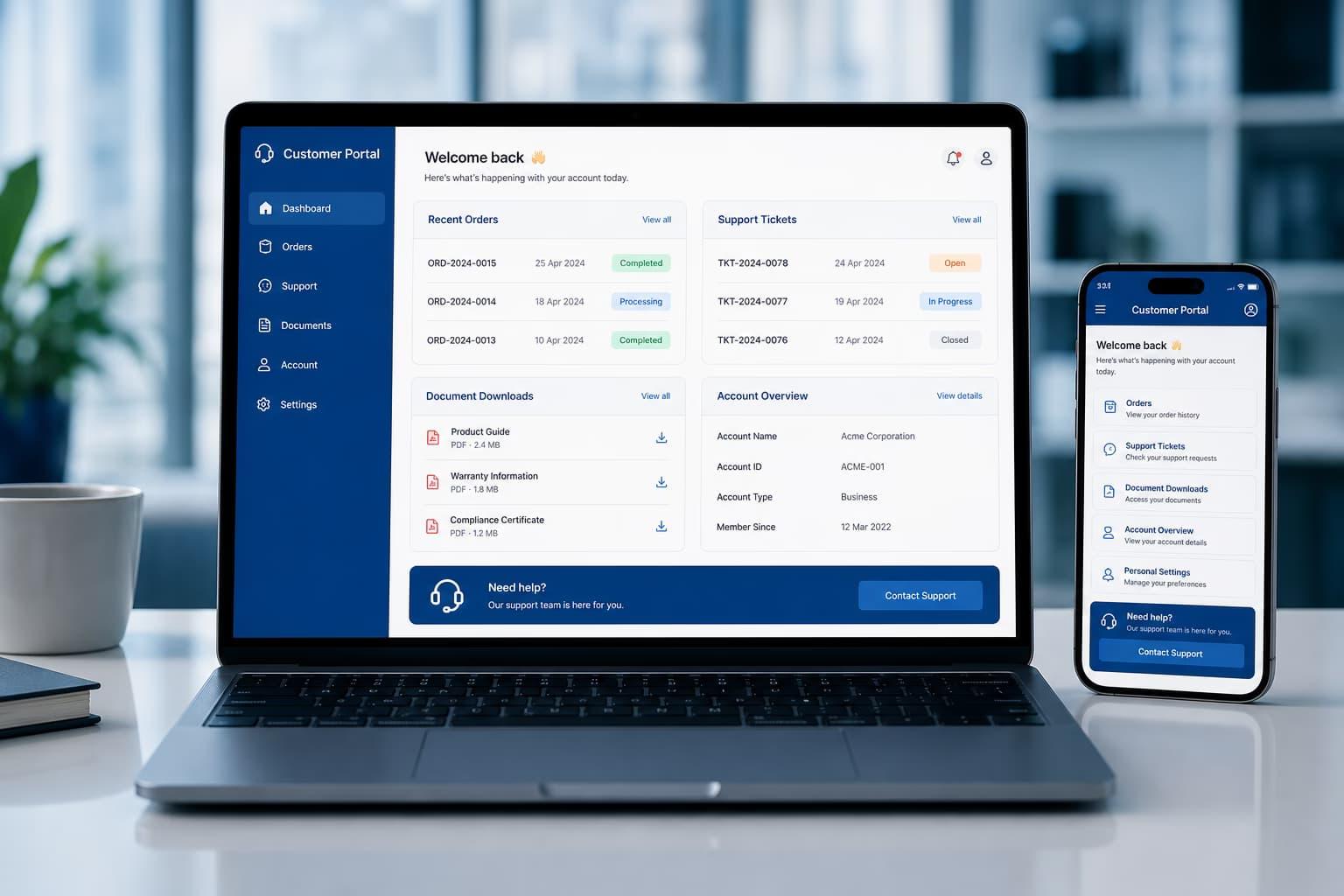
A responsive customer portal already works on a phone.
So why build a mobile app?
Sometimes there is no good reason.
Customers can sign in through the browser, view documents, submit requests and check status.
Adding iOS and Android clients creates more design, testing, release and maintenance work.
A mobile app becomes worthwhile when mobile-specific behavior changes the customer experience or business outcome.
Start With Usage Frequency
How often does the customer use the portal?
Once per quarter to download an invoice?
A web portal is probably enough.
Ten times per day to manage field operations?
An installed app becomes more compelling.
Installation creates friction.
Frequent use repays that friction.
Actiknow’s custom application development work includes customer portals, web applications and mobile products. Mobile should be justified by user behavior and device-specific value rather than treated as a default extension of every portal.
Ask Where Customers Use It
Are customers:
- At desks?
- In warehouses?
- At job sites?
- In vehicles?
- Walking between locations?
- Working in areas with weak connectivity?
A portal used primarily by office procurement teams has different requirements from one used by technicians or inspectors.
Field usage is one of the strongest signals for mobile.
Push Notifications Can Create Real Value
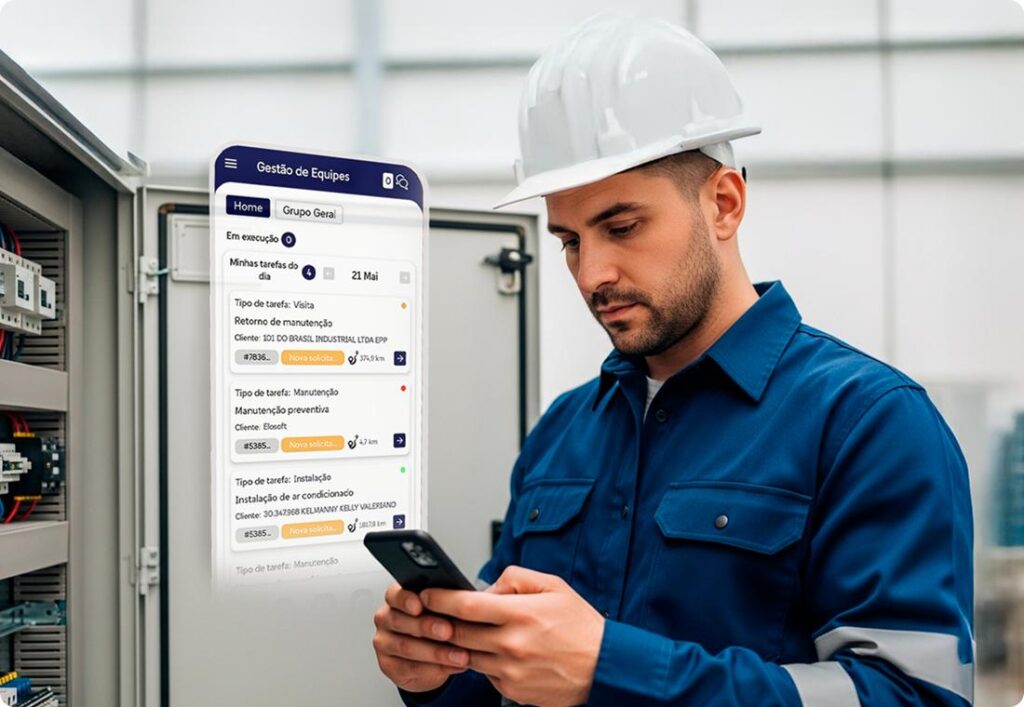
A mobile app can notify customers about:
- New job assignment.
- Approval needed.
- Shipment arrived.
- Payment failed.
- Document ready.
- Urgent service update.
- Message from support.
If rapid response matters, push can improve engagement.
But do not build an app solely to send marketing notifications.
Notifications should support the workflow.
Camera Capture Is a Strong Mobile Use Case
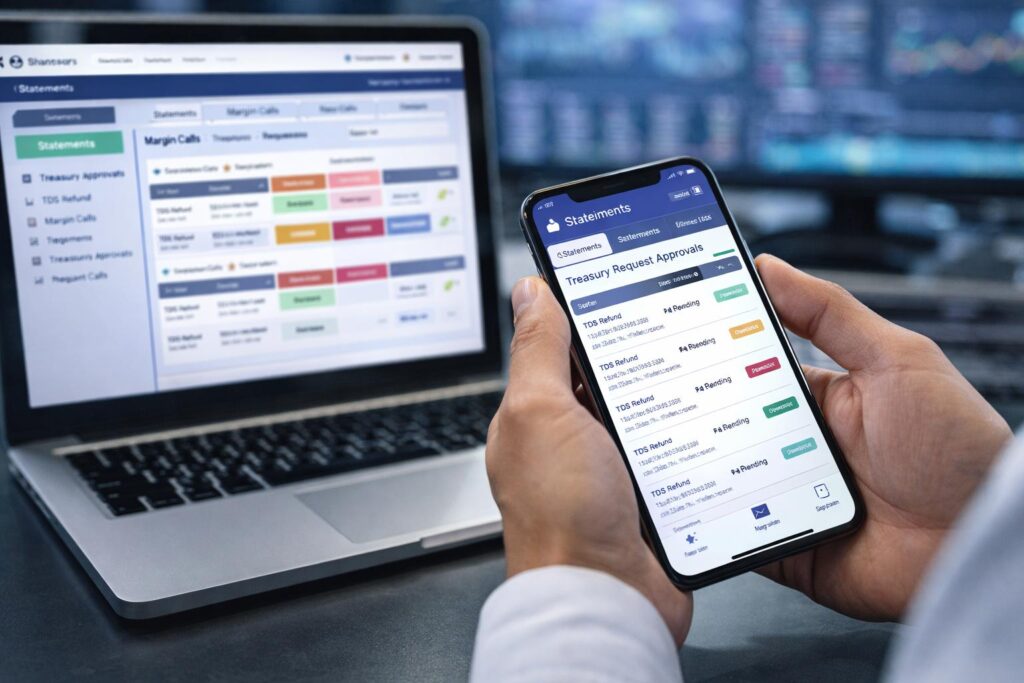
Customers may need to:
- Upload equipment photos.
- Scan receipts.
- Capture damage.
- Photograph meter readings.
- Upload identity documents.
- Record proof of delivery.
A mobile app can streamline capture, compression, metadata and upload.
A responsive web page can also use the camera in many scenarios.
Test whether the app materially improves the workflow.
Barcode and QR Scanning Can Favor Mobile
Examples:
- Scan asset.
- Scan package.
- Scan equipment serial number.
- Scan site QR.
- Scan membership card.
If scanning is frequent, a dedicated mobile experience can reduce typing and errors.
For occasional scans, web may still be sufficient.

Offline Work Can Justify the App
Customers operating in poor connectivity may need to:
- View assigned work.
- Access documents.
- Complete forms.
- Capture photos.
- Add notes.
- Collect signatures.
- Then sync later.
That is a strong mobile requirement.
But offline architecture adds complexity.
Define exactly what must work offline.

Do Not Say “Offline Everything”
Offline data has:
- Storage.
- Security.
- Sync.
- Conflict.
- Version.
- Retention.
- Device-loss implications.
Limit offline scope to what the user genuinely needs.
Background Sync Can Improve Field Workflows
A mobile app can queue work and synchronize when connectivity returns.
This can make field work feel continuous.
The system needs to handle:
- Retry.
- Duplicate upload.
- Partial sync.
- Conflict.
- Large media.
- Battery.
- Network transitions.
Offline-first behavior must be designed, not improvised.
Location Can Be Useful, but Needs Justification
Some portals may use location for:
- Nearest site.
- Proof of attendance.
- Service-area validation.
- Route assistance.
- Geotagged evidence.
Location is sensitive.
Collect the minimum required.
Explain why.
Define retention.
Do not turn a customer portal into a tracking product accidentally.
Biometrics Can Reduce Login Friction
Frequent mobile users may benefit from biometric unlock tied to secure authentication.
This can improve repeated access.
The server must still enforce authorization.
Biometrics do not replace backend security.
App Shortcuts Can Improve Repeat Tasks
A mobile app can provide fast access to:
- New request.
- Scan asset.
- Upload evidence.
- Open active job.
- Contact support.
These shortcuts matter when users perform the same actions many times per day.
For occasional users, browser bookmarks may be enough.
A Portal That Is Mostly Documents Usually Does Not Need an App
If the primary functions are:
- View invoice.
- Download PDF.
- Read statement.
- Update account information.
- Submit occasional ticket.
responsive web is often sufficient.
An app may create maintenance without enough customer value.
Complex Desktop Workflows May Stay Web-First
Some portal activities need:
- Large tables.
- Detailed comparison.
- Multi-column forms.
- Analytics.
- Bulk upload.
- Configuration.
These may remain better on desktop.
A mobile app can focus on a subset of field actions rather than replicate every portal feature.
Do Not Clone the Entire Portal
A good mobile product may expose:
- Today’s tasks.
- Notifications.
- Quick actions.
- Camera capture.
- Messages.
- Status.
The web portal can retain:
- Administration.
- Detailed reporting.
- Bulk actions.
- Account configuration.
Design for mobile context.
Do not squeeze the desktop navigation into a smaller screen.
Identify the Mobile Moment
Ask:
What exact moment becomes easier because an app exists?
Examples:
- Technician photographs completed repair immediately.
- Store manager scans delivery as it arrives.
- Customer approves urgent quote from notification.
- Inspector completes checklist without connectivity.
If there is no strong answer, keep the portal web-first.
Consider Customer Type
Enterprise customers may have managed devices and app-deployment policies.
Small businesses may use personal devices.
Consumers may expect app-store installation.
Understand:
- Device ownership.
- MDM.
- App-store access.
- Security policy.
- OS versions.
- Support burden.
Enterprise distribution requirements can affect design.
App Store Operations Are Ongoing
Plan:
- Apple/Google accounts.
- Signing.
- Certificates.
- Store review.
- Privacy disclosures.
- Screenshots.
- Release notes.
- Policy updates.
- Version support.
An app is an ongoing product channel.
Include this in total cost.
Support Multiple App Versions
Some customers will delay updates.
Your backend may need to support:
- Current app.
- Previous app.
- Forced minimum version.
- API compatibility.
Plan deprecation.
Web portals have more centralized release control.
Mobile Analytics Should Prove Value
Track:
- Installs.
- Active users.
- Session frequency.
- Push engagement.
- Feature use.
- Offline usage.
- Camera/scanner use.
- Task completion.
- Customer response time.
If mobile adoption is low, reconsider investment priorities.
Pilot Before Full Rollout
If the case is uncertain, pilot with a user group.
For example:
20 field customers.
Measure:
- Usage.
- Time saved.
- Missed notifications.
- Offline need.
- Photo volume.
- Support issues.
Then decide whether to expand.

Consider a Progressive Web App Where Appropriate
A PWA may offer some installability and offline/browser capabilities without a full native app.
But platform support varies.
Test the exact requirements:
- Push.
- Offline.
- Camera.
- Background behavior.
- Enterprise distribution.
Do not choose PWA based only on architecture simplicity.
Mobile Framework Choice Comes Later
Once the business case for mobile is clear, evaluate:
- Native.
- Flutter.
- React Native.
- Other approaches.
Choose based on:
- Device capabilities.
- Performance.
- Team.
- Existing code.
- Long-term roadmap.
The business decision is whether mobile adds value.
The framework decision is how to implement it.
Security for Customer Mobile Apps
Plan:
- Secure authentication.
- Token storage.
- Device data encryption.
- Logout cleanup.
- Session expiry.
- Lost device.
- Root/jailbreak posture where relevant.
- Sensitive screenshots.
- Local logs.
- API authorization.
A mobile app can store more data on an uncontrolled device than a browser session.
Review accordingly.
Offline Data Needs Retention Rules
Define:
- How much history is stored?
- For how long?
- Does logout delete it?
- Can the user manually clear it?
- What happens when access is revoked while offline?
These are important for sensitive B2B data.
Notifications Need Preference Management
Not every customer wants every push.
Classify:
- Critical operational.
- Transactional.
- Reminder.
- Marketing.
Allow appropriate preferences.
Do not make urgent operational alerts indistinguishable from noise.
A Decision Framework
1. Add a mobile app when:
- Customers use the portal frequently.
- Usage happens away from desks.
- Push notifications improve response.
- Camera/scanning is common.
- Offline work is important.
- Device capabilities materially improve workflow.
- The business can support mobile lifecycle cost.
2. Stay web-only when:
- Usage is occasional.
- Work is mostly desktop.
- Portal is primarily documents/reporting.
- No meaningful offline requirement.
- Device features add little value.
- Customers are unlikely to install.
- Mobile lifecycle cost outweighs benefit.
3. Use both when:
- Web supports detailed administration.
- Mobile supports field and quick actions.
- A shared backend can serve both experiences.
A Mobile-App Business Case Checklist
Before approving the app, answer:
- What exact mobile moments improve?
- How frequently will customers use it?
- Which features require device capabilities?
- What must work offline?
- How valuable are push notifications?
- Will customers install it?
- What portion of portal features belong on mobile?
- How will local data be secured?
- Who owns app-store releases?
- How will success be measured?
- What is the annual maintenance budget?
Frequently Asked Questions
Does every B2B customer portal need a mobile app?
No. Many portals work well as responsive web applications, especially for occasional document, account and reporting tasks.
What is the strongest reason to build a mobile app?
Frequent field usage where offline operation, camera/scanning, push notifications or other device capabilities materially improve the workflow.
Can a responsive portal use the phone camera?
Yes in many browser scenarios. Test the exact capture and upload experience before deciding that native mobile is required.
Should the mobile app contain every portal feature?
Usually not. Focus mobile on high-frequency, context-specific actions and leave complex administration or reporting on web where appropriate.
How do you justify mobile-app cost?
Measure expected improvements such as faster response, field productivity, evidence capture, engagement and completion rates against build and maintenance cost.
Can we launch web first?
Yes, if mobile capabilities are not foundational. A clean shared backend can support adding mobile later.
Is Flutter suitable for B2B customer apps?
It can be, depending on device integration, performance, team skills and roadmap. Framework choice should follow the mobile business case.
Conclusion
A mobile app should solve a mobile problem.
Do not build one simply because the customer portal exists.
Look for frequent field use, offline work, notifications, camera/scanning and quick repeat actions.
Keep complex administration on web when that is the better interface.
If mobile creates a clear improvement at an important moment, build it deliberately around that context.
If you are deciding whether your customer portal needs a mobile companion, Actiknow can help map the usage patterns and design a web/mobile architecture around the workflows that genuinely benefit. Discuss your customer portal requirements with Actiknow.