

Many software projects begin with a format decision too early.
“We need an app.”
Sometimes that means a native mobile application.
Sometimes the actual requirement is simply:
Customers should be able to use the system easily on their phones.
Those are not the same thing.
A responsive web application may be the better first product.
A mobile app may be essential.
The decision should follow the user workflow.
Start With Where the Work Happens
Ask:
Where will users use the product?
- At a desk?
- In a warehouse?
- At customer sites?
- In a vehicle?
- On a construction site?
- At home?
- While moving?
If the workflow is primarily desktop-heavy, a responsive web app is often natural.
If users operate in the field with a phone in hand, mobile becomes more compelling.
Actiknow’s custom application development work includes web applications, native mobile apps and cross-platform mobile products. The right client experience depends on usage, device capabilities and lifecycle rather than a generic preference for “app” or “web.”
What a Responsive Web App Provides
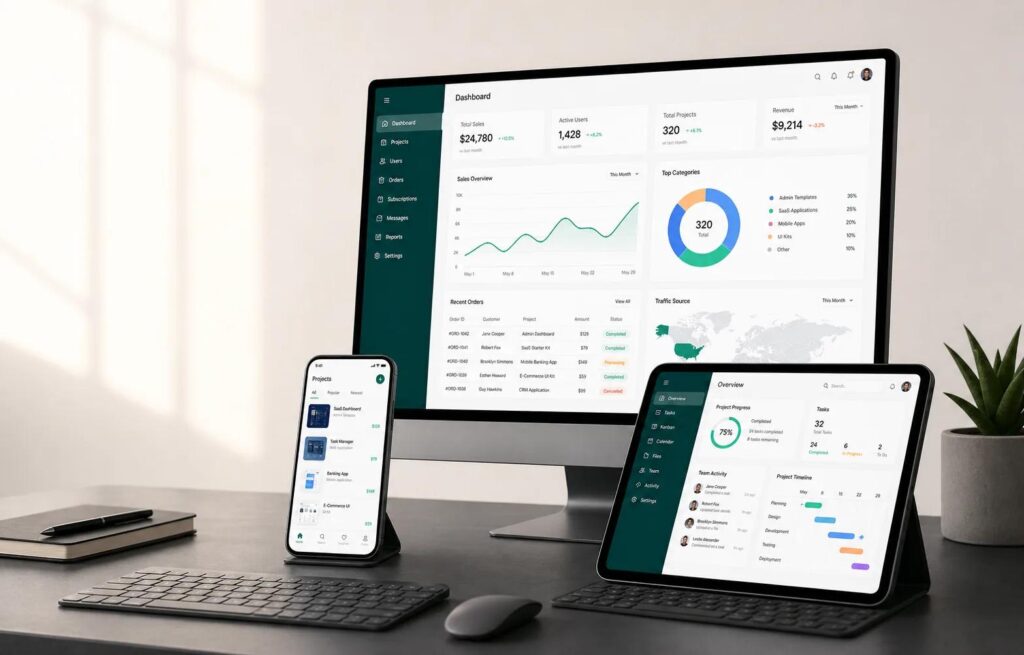
A responsive web application runs in a browser and adapts to different screen sizes.
Advantages can include:
- One primary frontend.
- No app-store installation.
- Immediate deployment of updates.
- Easy link-based access.
- Strong desktop experience.
- Lower distribution friction.
It can still support sophisticated business workflows.
What a Mobile App Provides
A mobile app is installed on iOS or Android devices.
It can offer deeper access to device capabilities and a more controlled mobile experience.
Advantages can include:
- Push notifications.
- Camera.
- Location.
- Biometrics.
- Background behavior.
- Offline storage.
- App shortcuts.
- Device integrations.
- More persistent user presence.
The value depends on whether the workflow uses those capabilities.
Offline Use Is a Major Decision Factor
If users must work without reliable connectivity, mobile architecture may be justified.
Examples:
- Field technicians.
- Remote audits.
- Warehouses with weak signal.
- Rural inspections.
- Travel.
Define offline precisely.
Does the user need to:
- View assigned jobs?
- Create records?
- Capture photos?
- Edit forms?
- Search history?
- Complete signatures?
Then define sync and conflict behavior.
Offline is a data architecture, not a checkbox.

Web Can Support Some Offline Behavior
Progressive web technologies can cache assets and data.
But browser/platform capabilities and background behavior vary.
If offline operation is mission-critical, test the exact devices and workflows before committing to a web-only architecture.
Do not assume “PWA” automatically equals native offline reliability.
Camera and Media Can Favor Mobile
If the workflow repeatedly uses:
- Photos.
- Video.
- Barcode scanning.
- Document capture.
- Image annotation.
mobile apps can provide a more integrated experience.
Browsers can access cameras too, but workflow quality and device control may differ.
Test the actual requirement.
Push Notifications Can Favor Mobile
Push notifications are useful for:
- New assignment.
- Urgent job.
- Approval request.
- Message.
- Status change.
- Reminder.
If prompt re-engagement is core to the product, installed mobile applications provide a strong channel.
Web notifications may be possible in supported environments, but behavior and user adoption vary.
Location and Background Tracking Need Mobile Consideration
Applications involving:
- Route tracking.
- Technician location.
- Geofencing.
- Background movement.
may need deeper mobile capabilities.
These features also create:
- Battery.
- Privacy.
- Permission.
- App-store.
- Security.
- compliance considerations.
Do not collect location merely because the device makes it possible.
Desktop Complexity Favors Web
Some workflows are better on a large screen.
Examples:
- Complex administration.
- Large data grids.
- Multi-panel planning.
- Detailed analytics.
- Configuration.
- Document review.
A mobile app may complement the system, not replace the web admin experience.
Many B2B products need both eventually.
User Frequency Matters
How often will users open the product?
A customer who logs in twice per year may not install an app.
A technician using the system 40 times per day will.
Installation has a cost.
Ask whether the product deserves permanent space on the user’s device.
Distribution Friction Matters
Web app:
- Send a URL.
- User signs in.
Mobile app:
- Publish.
- Pass app-store review.
- User installs.
- User may need enterprise device management.
- Updates may depend on user/device behavior.
For infrequent external users, web distribution can be much easier.
App Stores Add Operational Work
Mobile teams manage:
- Store accounts.
- Certificates.
- Provisioning.
- Privacy disclosures.
- Review.
- Release metadata.
- Screenshots.
- Policy changes.
- Version support.
This is normal mobile product work.
Include it in lifecycle cost.
Web Releases Are Faster to Control
A web application can usually deploy a new version centrally.
All users receive it on next load.
Mobile releases can be staged and users may remain on older versions.
The backend must sometimes support multiple app versions.
This affects API change management.
Mobile Requires Version Compatibility
Track:
- Minimum supported version.
- Current version.
- Forced update policy.
- API compatibility.
- Deprecation.
- Crash rates by version.
- Operating-system versions.
A web product usually has less client-version fragmentation.
Operating-System Changes Matter
iOS and Android evolve.
Mobile apps need:
- SDK updates.
- Permission changes.
- Build-tool updates.
- Store compliance.
- Testing on new OS versions.
This creates recurring maintenance.
Web applications have browser compatibility work too, but deployment is more centralized.
Security Is Different, Not Automatically Better
Mobile apps can use:
- Biometrics.
- Secure device storage.
- Device attestation patterns.
Web apps can use:
- SSO.
- MFA.
- Secure browser sessions.
Both require:
- Server-side authorization.
- Encryption.
- Session/token security.
- Logging.
- Vulnerability management.
Do not rely on the client platform for core security.
Data Stored on Device Creates Risk
Offline mobile applications may store business data locally.
Define:
- What is cached?
- Is it encrypted?
- How long retained?
- What happens on logout?
- What if device is lost?
- Can MDM wipe it?
Sensitive offline data needs a security review.
Mobile Can Improve Field UX
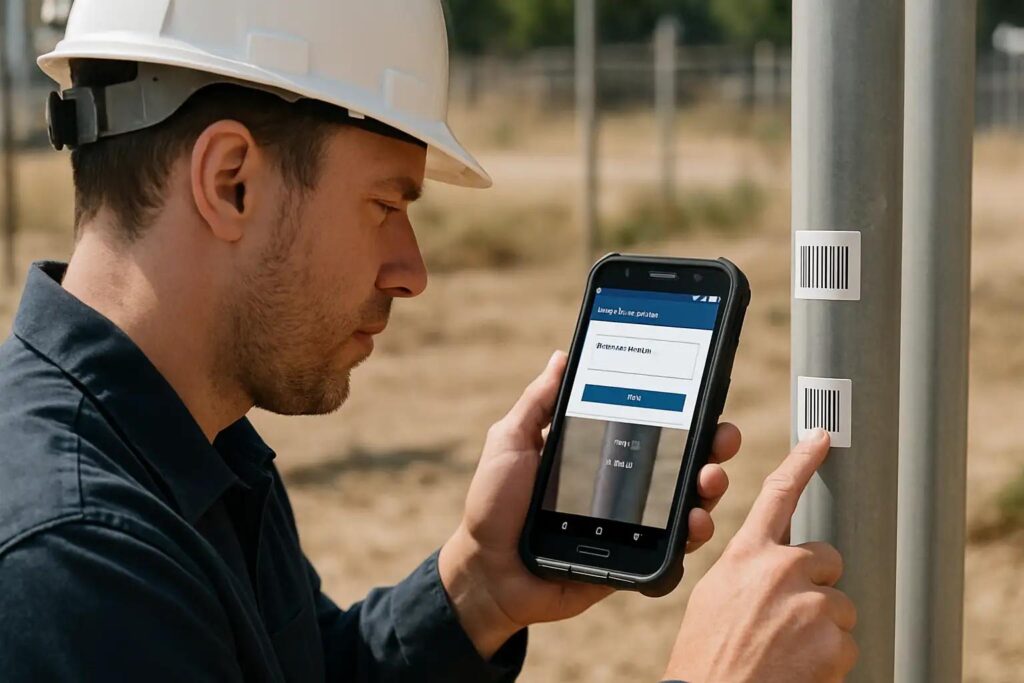
A well-designed mobile workflow can use:
- Large touch targets.
- Camera capture.
- Step-by-step tasks.
- Offline queue.
- Signature.
- Barcode.
- Location.
- Quick actions.
This can materially improve productivity for field users.
Do not simply shrink the desktop UI.
Responsive Web Can Be Excellent for Customer Portals
Many B2B customer portals need:
- Documents.
- Orders.
- Invoices.
- Requests.
- Messages.
- Account details.
- Reporting.
If customers use these occasionally, responsive web may be sufficient.
Add mobile only when specific mobile behavior creates value.
Native vs Cross-Platform Is a Separate Decision
After deciding mobile is needed, choose implementation approach.
Options include:
- Native iOS + Android.
- Flutter.
- React Native.
- Other frameworks.
That decision depends on:
- Device integration.
- Performance.
- Team skills.
- UI complexity.
- Long-term roadmap.
Do not mix “Do we need mobile?” with “Which mobile framework?”
Consider a Mobile-First Web MVP
If the product needs to validate demand but does not yet require native capabilities, a responsive mobile-first web app can be a practical first release.
Measure:
- Mobile usage.
- Feature requests.
- Notification need.
- Offline need.
- Camera use.
Then decide whether an installed app is justified.
But avoid this approach when mission-critical native requirements are already clear.
Consider Web Admin + Mobile Worker
A common B2B architecture is:
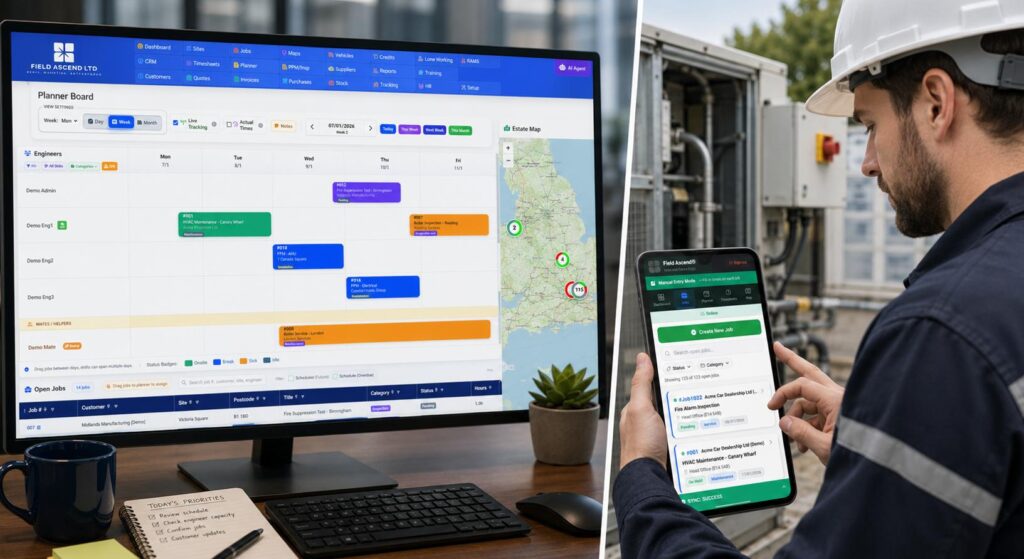
- Web application for administrators.
- Mobile application for field users.
- Shared backend/API.
This lets each role use the appropriate interface.
Do not force every role into one client.
Estimate Lifecycle Cost
Compare:
- Initial build.
- Design.
- Testing.
- Store operations.
- Device testing.
- OS updates.
- Browser support.
- Monitoring.
- Crash analytics.
- Release management.
- Support.
A mobile app can create ongoing work even after feature development slows.
Measure Business Value
Mobile should justify itself through outcomes.
Examples:
- Faster field completion.
- Higher daily engagement.
- Better evidence capture.
- Lower missed assignments.
- Offline productivity.
- Higher customer retention.
If the only argument is “competitors have an app,” validate the actual user need.
A Decision Framework
Choose responsive web first when:
- Users are primarily desktop or occasional.
- No mission-critical offline need.
- Device features are secondary.
- Easy distribution matters.
- Fast centralized updates matter.
- Budget should focus on core workflow.
Choose mobile first when:
- Users are primarily field/mobile.
- Offline is essential.
- Camera/scanning is central.
- Push notifications drive work.
- Device/location capabilities are core.
- Usage is frequent.
Choose both when:
- Distinct user groups have distinct environments.
- The shared backend can support both.
- The business case justifies two client experiences.

A Requirements Checklist
Ask:
- Where do users work?
- How often do they use the product?
- Is offline required?
- Is camera capture frequent?
- Is barcode scanning needed?
- Are push notifications important?
- Is location/background behavior required?
- Is the workflow desktop-heavy?
- Will users install an app?
- Are app-store operations acceptable?
- How sensitive is local device data?
- What is the long-term maintenance budget?
Frequently Asked Questions
Is a mobile app better than a responsive web app?
Not universally. Mobile is stronger for frequent field use, offline workflows and device capabilities. Web is often simpler for desktop and occasional users.
Can a web app use the phone camera?
Modern browsers can access camera capabilities in many scenarios, but exact workflow and platform support should be tested.
Can a web app work offline?
Some offline behavior is possible, but mission-critical offline workflows require careful testing and sync design. Native/cross-platform mobile may offer a more controlled environment.
Is a mobile app more expensive to maintain?
It can be because of app-store operations, OS updates, device testing and client-version support. Actual cost depends on product complexity.
Should a B2B customer portal have a mobile app?
Only if customers have frequent mobile use cases that justify installation, such as notifications, field activity, camera capture or offline work.
Can we build web first and mobile later?
Yes, especially when a shared backend/API is designed cleanly. But if mobile/offline requirements are foundational, plan them early.
Should we use Flutter or native apps?
That is a separate architecture decision after confirming a mobile app is needed. Evaluate device capabilities, performance, team skills and roadmap.
Conclusion
Do not start with “app or website?”
Start with the user.
Where do they work?
How often?
What device capabilities do they need?
What happens without connectivity?
How quickly must updates ship?
For many business systems, responsive web is the right first client.
For field-heavy, offline or device-centric workflows, mobile can be essential.
And for products serving both administrators and field users, the correct answer may be both.
If you are deciding how to deliver a new business application across web and mobile, Actiknow can help map the user journeys and choose an architecture that supports the product without unnecessary client complexity. Discuss your application requirements with Actiknow.