

A practical architecture and launch-readiness guide for product leaders, engineering teams and growth teams
The link that works in a demo can fail at campaign scale
A customer taps a reminder about an unfinished application. Instead of returning to that application, the app opens its home screen. Another customer receives a promotional link, installs the app and lands on an unrelated onboarding page. A third taps a link to a private record, signs in and loses the destination entirely. These are not merely navigation defects. They interrupt business workflows at precisely the moments when users are ready to act.
Deep linking is the mechanism that takes someone from a URL, message, notification or another app to a specific destination inside a mobile application. A dependable implementation needs more than a route handler. It requires agreement among the website, iOS and Android applications, authentication system, backend authorization rules, analytics and campaign operations.
Product teams should design this system before marketing creates thousands of links or support teams begin sharing them with customers. Retrofitting it later means recovering old URLs, resolving inconsistent route names and repairing experiences that may already be embedded in emails, QR codes and partner communications.
1. Start with the user journey, not the URL format
Define the outcome each link should produce. A link to a product detail should show the correct product. A payment reminder should reopen the appropriate unpaid invoice, but only after the user has authenticated and been authorized. A webinar notification should open the scheduled event if it exists, or show a clear expired-event message if it does not.
Build a destination inventory with the business owner, URL pattern, app screen, required permissions, anonymous web experience and failure state. Include the less visible destinations: saved searches, abandoned forms, order tracking, support conversations, subscription renewals, password resets and approval tasks. Assign one product owner to approve the behavior of each class of link.
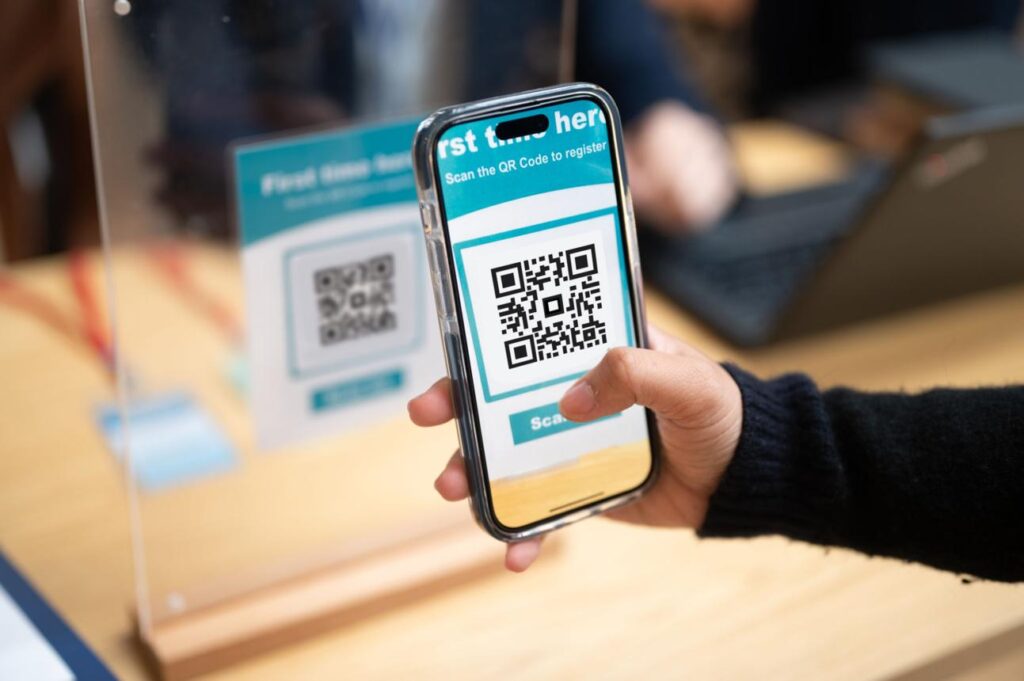
A useful design question is: What should the user see after tapping this link when the app is installed, when it is not installed, when they are signed out, when they use the wrong account and when the referenced item no longer exists? If the team cannot answer all five, the link is not ready for production.
For content that can be represented by an HTTPS URL, use the platform-supported association between your domain and app. Android App Links rely on website verification through a Digital Asset Links file and app configuration. Apple’s Universal Links use associated domains and an apple-app-site-association file. Both let a conventional web URL participate in app navigation while retaining a browser destination where appropriate.
Android’s official App Links guidance describes domain verification, intent filters and testing requirements. It also documents newer Dynamic App Links capabilities on supported Android 15 devices. These are platform features, not substitutes for the app’s own route validation or business authorization.
Apple’s associated-domains documentation describes the domain-to-app association needed for Universal Links. The implementation details differ from Android, so a shared URL strategy still needs platform-specific configuration and release testing.
Custom schemes such as sampleapp://order/123 may still be useful for controlled internal integrations, but they are a weaker default for links shared broadly. They lack the same verified domain-ownership model and do not naturally provide a browser fallback. Do not let campaign teams invent custom schemes independently of engineering.
3. Treat URLs as durable product interfaces
A deep link is effectively a public interface. Once it appears in an email, QR code, calendar invite or partner portal, changing it can break an external workflow. Give it the same attention as a versioned API: stable resource identifiers, documented parameters, predictable error behavior and ownership.
For example, a hypothetical order route could be https://links.example.com/orders/ord_82Q7?source=renewal_email. The route identifies a resource; the source parameter supplies marketing context. The backend must still determine whether the signed-in user may view that order. Never treat an identifier or campaign parameter as proof of permission.
Avoid routes based on mutable display names or screen implementation details. Prefer a small set of stable business concepts such as /products/{id}, /orders/{id}, /events/{id} and /tasks/{id}. Maintain a mapping from public URL to app destination, and keep it independent of the internal navigation stack so the interface can survive a redesign.
Document which query parameters are functional, which are attribution-only and which are prohibited. Reject unexpected external destinations and untrusted redirect targets. A short allowlist of supported hosts and routes is easier to secure and test than an open-ended router that accepts arbitrary URLs.
4. Design the authentication handoff before launch
Authentication is where many deep-link journeys fail. A user taps a private invoice link while signed out, completes login and lands on the dashboard. The app has forgotten the original request. The correct architecture preserves the intended destination as short-lived navigation state, authenticates the user and then resolves the resource again under the new session.
The flow should be explicit: receive and parse the link; validate the host and route; check whether login is required; preserve the allowed destination; complete authentication; recheck authorization on the server; load the destination or show a safe alternative. The server, not the mobile router, decides whether the user is permitted to see the record.

Consider account switching as a first-class case. If a user is logged into Account A but the linked task belongs to Account B, do not display the task title or other private details. Explain that the content is unavailable to the current account and, if appropriate, offer a controlled account switch. Avoid leaking sensitive identifiers into push notification bodies, analytics properties or redirect logs.
Password-reset and magic-login links require additional controls. Use single-use or appropriately expiring tokens, bind them to the intended action and prevent open redirects. A normal deep link that points to a resource should not itself grant access. Security review should cover both the destination and the intermediate web and app transitions.
5. Decide what happens when the app is not installed
Standard Universal Links and App Links provide useful web behavior, but they do not automatically guarantee that a person who installs the app will arrive at the original destination after installation. That more complex requirement is called deferred deep linking. It may require a dedicated provider, an explicitly designed onboarding handoff or a product-specific recovery mechanism.
Make the product decision before selecting technology. Is post-install restoration essential to the business outcome, or is a clear landing page with a contextual call to action sufficient? For an article or public product catalog, a mobile website may be the best fallback. For an invitation to a private workspace, a claim code or authenticated invitation flow may be more dependable than opaque device matching.
Do not promise universal post-install continuity across browsers, operating systems, privacy settings and app-store flows without device-level evidence. Any provider claiming deferred deep linking should be evaluated for coverage, consent handling, attribution method, data retention, SDK dependencies, failure rates and the user experience when matching is not possible.
Firebase Dynamic Links is not an appropriate dependency for a new implementation. Google’s deprecation FAQ specified an August 25, 2025 shutdown and migration requirement. Teams maintaining older links should audit every domain, campaign and SDK integration rather than assume a legacy redirect remains supported.
A destination link and a campaign measurement record solve different problems. The URL tells the product where the user wants to go. Attribution helps a team understand which channel prompted the visit and whether a meaningful outcome followed. Combining these concerns carelessly creates fragile routing and inflated marketing reports.
Use a documented attribution schema: campaign ID, channel, creative ID, link ID, click timestamp and an anonymous correlation identifier where permitted. Preserve the original values across redirects only as necessary. Avoid placing personal information, access tokens or sensitive business data in query strings, since URLs can be copied, logged and shared.
Define events that represent the full journey: link_clicked (where observable), app_opened_from_link, destination_resolved, login_required, destination_rendered, business_action_completed and link_resolution_failed. Not every platform can observe every step, so report coverage explicitly. A click should not be counted as a completed workflow.
For measurement, distinguish a new app install from a first open, a first open from a resolved destination, and a resolved destination from a completed purchase or approval. Use deduplication keys and event timestamps to prevent repeated app opens, retries and notification taps from creating duplicate conversions.
7. Build a routing layer that can survive app changes
A scalable design separates four responsibilities. The link service owns public URLs, redirects and expiration rules. The mobile router parses and validates destinations. The authentication and authorization layer controls access. The product screen loads current resource data and presents a useful state. Analytics observes the transitions without deciding navigation.
In a multi-platform application, the shared route contract can be common even when iOS, Android and web implementations differ. Product teams considering a common codebase can review Actiknow’s cross-platform mobile application development services, while recognizing that operating-system association files and lifecycle handling still require platform-specific testing.
Create a versioned route registry. Each entry should define the canonical URL pattern, destination type, minimum supported app version, authentication requirement, fallback, owner and telemetry event. Add deprecation rules for routes that are retired. Redirect old public URLs when feasible rather than silently dropping them.
If a route depends on a feature that exists only in newer app versions, show a compatible web page or update prompt. Avoid infinite loops between the app, browser and app store. A destination should have a bounded redirect path and a useful final state, even if the ideal app screen cannot be reached.
8. Make notifications and campaigns use the same contract
Push notifications, emails, SMS messages, paid campaigns and QR codes should not each implement their own navigation rules. Campaign tools should choose from an approved destination catalog. A notification payload may carry a stable route identifier and resource ID, but the app should validate them before navigating.

Test notification taps when the app is closed, running in the background and already open on another screen. Also test when a user taps multiple notifications in succession, signs in midway or receives an older notification after a record has changed status. A cold start can race with app initialization, so navigation may need to wait until configuration, session state and route handlers are ready.
Agree on campaign creation controls: who can generate links, whether expiry is allowed, how destinations are reviewed, how attribution parameters are added, and how a bad campaign is disabled. For high-volume operations, use templates and automated validation instead of asking marketers to paste arbitrary destination URLs.
9. Design failure states that preserve user trust
A broken link should not simply dump the user on the home screen. That hides the error and makes the experience feel random. Instead, define clear outcomes: content removed, link expired, feature unavailable, permission denied, unsupported app version, temporary service failure or malformed URL.
Each state needs a human-readable message and an appropriate next step. An expired event can offer upcoming events. A completed approval can show its final status. An unavailable product can offer search. A temporary API failure can provide retry without duplicating the original action. Permission failures must avoid disclosing private record details.
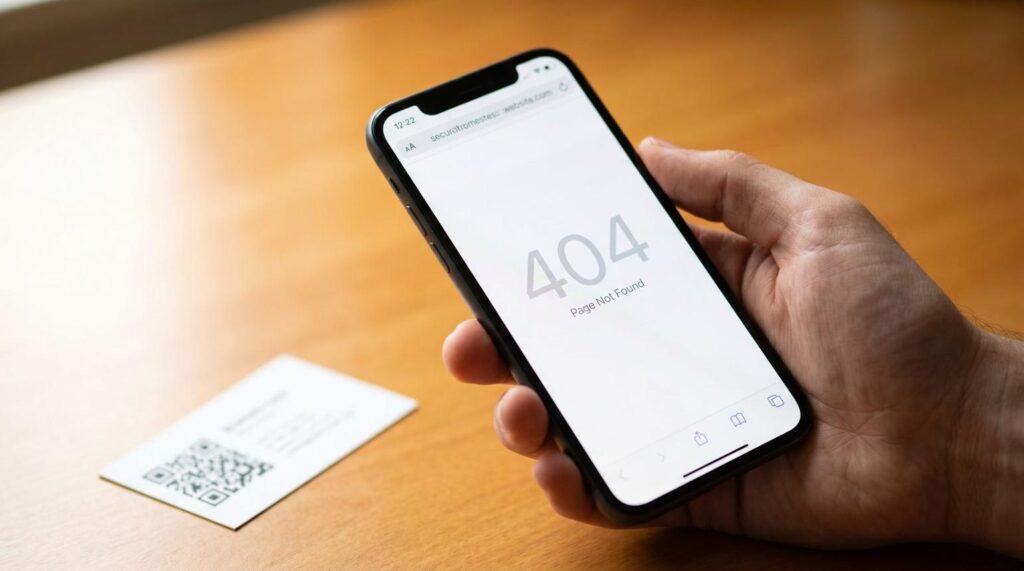
Record an internal reason code that support and engineering can investigate. Keep customer-facing messages simple. A link-resolution failure dashboard should separate user mistakes, expired resources, association failures, app routing defects and backend authorization responses; otherwise teams will chase the wrong cause.
10. Test the complete journey, not only the route handler
Unit tests can confirm that /orders/123 maps to the order screen, but they cannot prove the operating system will open the app, the website association file is served correctly or login will return the user to the right record. Deep linking needs a cross-system acceptance suite with real devices and production-like domains.
Minimum coverage should include iOS and Android; app installed and absent; fresh install and existing user; cold, warm and background launch; signed-in and signed-out states; correct and incorrect account; valid, deleted and expired resources; old app versions; browser and messaging-app taps; notification and email links; and redirect failure. Record actual behavior, not just pass/fail screenshots.

Test verified-domain configuration separately. Check HTTPS availability, redirects, content type and association-file validity. Confirm the Android signing certificate fingerprint matches the distributed build, including the store-signing configuration. Confirm the iOS app entitlement and associated-domain file match the production app identifiers. Test both the www and non-www hosts if both are used.
Use test accounts and synthetic resources rather than real customer data. Run the highest-risk journeys in release regression tests and periodically after CDN, domain, certificate, app-store or authentication changes. A website deployment can break app links even when no mobile code changed.
11. Define operational metrics before campaigns go live
The most useful deep-link metrics are not total clicks. Measure destination-resolution rate, share of links opening the intended app or web screen, authentication recovery rate, median time from tap to destination, route-specific failures, expired-link volume and business-action completion after a resolved link.
Break down failures by operating system, app version, source channel, route family and authentication state. A spike limited to one app version suggests a client regression. Failures isolated to a host or domain suggest association or redirect configuration. A decline after login points to lost destination state or account mismatch.
Set service-level targets from baseline evidence and the importance of the workflow rather than choosing an arbitrary universal benchmark. A payment or safety-critical approval link deserves stricter monitoring than a promotional content link. Alerts should identify a responsible owner and a clear investigation path.
12. A practical 30-day implementation plan
Week 1: Inventory journeys and define the contract
Collect existing campaign, email, notification, website and QR-code links. Identify the top business destinations, route owners, privacy requirements, authentication transitions and web fallbacks. Produce a canonical URL catalog and a state matrix for installed, absent, signed-out, unauthorized and expired-resource cases.
Week 2: Implement associations and secure routing
Configure Android and iOS domain associations, implement the route registry and add validation. Preserve allowed destinations across login and account switching. Build safe error states. Establish a test domain and use representative app-store signing and entitlement settings wherever possible.
Week 3: Connect campaigns and measurement
Create approved link templates for marketing and notification teams. Instrument destination-resolution and business-completion events. Verify analytics deduplication, privacy controls and source attribution. Document who can publish, pause and retire campaign links.
Week 4: Test, release and monitor
Run device-level journey tests, including cold starts, old app versions and missing content. Pilot with a limited audience. Monitor route failures and successful outcomes by channel. Confirm rollback procedures, on-call ownership and support guidance before scaling campaign volume.
An executive acceptance checklist
Before approving launch, ask for evidence of six things: a documented URL and destination catalog; verified iOS and Android domain associations; tested login and authorization recovery; useful installed-app and no-app fallbacks; attribution that distinguishes clicks from business outcomes; and an operational dashboard with route-level failure visibility. A demo that opens one screen does not satisfy these conditions.
Also request a dependency register covering domain ownership, DNS, CDN rules, link vendors, analytics SDKs, app-store signing, notification providers and authentication. The critical question is not whether links work today. It is whether the organization can change its app, campaigns and vendors without abandoning users who still hold old links.
Common architectural mistakes to avoid
Do not embed secrets or personal data in URLs. Do not use a client-side route as authorization. Do not treat app-store installation as guaranteed deferred attribution. Do not send all errors to the home screen. Do not assume iOS and Android resolve links identically. Do not rely on a single third-party link domain without an exit strategy. Do not launch a major notification program without testing cold starts and login recovery.
The broader lesson is that deep linking belongs in the same architecture discussion as authentication, backend APIs and mobile release management. For organizations planning new customer or employee applications, Actiknow’s custom solutions offering provides a relevant starting point for discussing application architecture and system integration.
Frequently asked questions
What is the difference between a deep link and a Universal Link or App Link?
Deep link is the general term for navigation to specific app content. Universal Links on iOS and verified App Links on Android are platform-supported ways to associate HTTPS website URLs with an app. They offer a more reliable public-link foundation than custom URL schemes.
Do deep links work if the user has not installed the app?
A standard HTTPS link can open a mobile web destination when the app is absent. Taking the user to the exact in-app destination after installation is a separate deferred deep-linking requirement and is not automatically guaranteed by the standard platform association mechanisms.
Should every push notification use a deep link?
A notification should have a deliberate destination when tapping it is meant to prompt action. That may be a specific record, a relevant list or an explanatory state. Some general announcements may reasonably open an inbox or notification center. The key is to define and test the intended behavior.
How should links behave when login is required?
Preserve the validated intended destination through authentication, then recheck the user’s authorization before loading the content. If access is denied or the item is gone, show a safe and helpful state rather than exposing data or silently opening the home screen.
Can a deep link bypass application permissions?
It must not. A URL is a navigation request, not an access grant. The backend should enforce record-level and tenant-level permissions for every protected resource, regardless of how the user arrived at the screen.
How do we measure whether deep links are effective?
Measure successful destination resolution and the relevant downstream business action, not only clicks. Segment by platform, route, source and authentication state, and disclose where platform privacy rules or app-store transitions prevent complete attribution.
Are deferred deep links necessary for every mobile product?
No. They are valuable when restoring an invitation, referral or transaction after installation materially improves the journey. For public content, a good web landing page and clear app entry may be simpler, more reliable and less intrusive.
What happens when the linked record is deleted or expires?
Return a specific, user-friendly state with a relevant next action. Log the failure reason for operational analysis. Never redirect to a random or unrelated record, and do not expose information about a resource the user cannot access.
Should we buy a deep-linking platform or build the routing ourselves?
Use native verified links and an application-owned route contract as the foundation. Evaluate a vendor if you need managed short links, advanced campaign operations, attribution or deferred routing. Compare total cost, privacy controls, domain portability, exportability and exit risk, not just feature lists.
Who should own deep linking after launch?
Product should own the user journey and destination catalog. Mobile and web engineering should own routing and domain association. Security should approve authentication and redirect controls. Growth should own campaign metadata within approved templates. Analytics and operations should monitor outcomes and failures.
Plan the journey before you scale the traffic
Deep links turn campaigns and notifications into entry points for real business workflows. When routing, authentication, fallbacks and measurement are designed together, a link can reliably carry a user from intent to the right next action. When they are designed separately, each new campaign creates another opportunity for users to get lost.
If you are planning a mobile app launch or improving an existing application’s navigation, discuss the destination inventory, login handoffs and test plan with Actiknow through its contact page. A short architecture review before campaign scale is more useful than repairing broken links after they have been distributed.